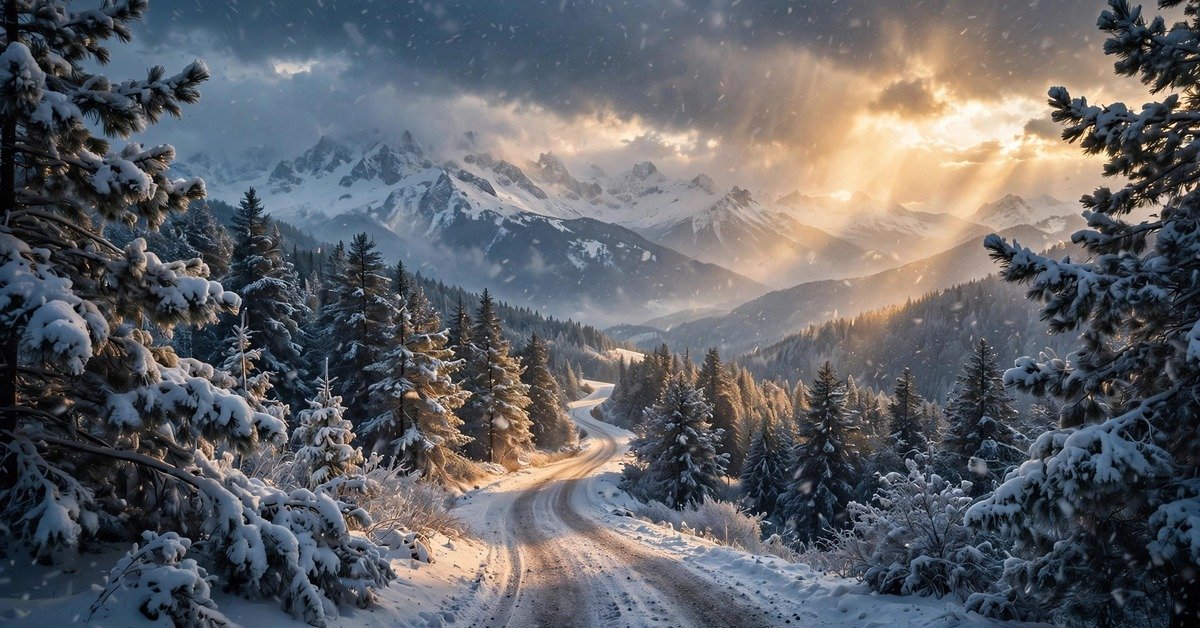
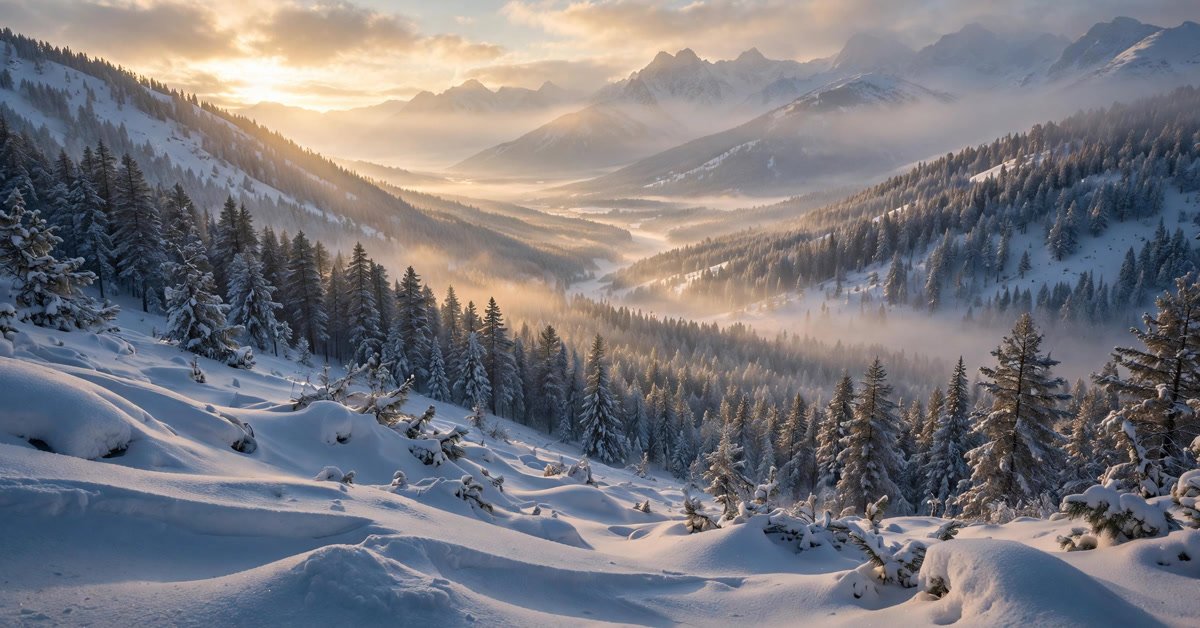
There is a feeling that only a winter cabin gives you: snow piling up outside, warm light in the windows, smoke curling from the chimney, and absolutely nowhere you need to be. Most of us cannot move into a cabin in the pines tomorrow — but we can put one on our screens, and on a grey workday that is honestly the next best thing.
So here are 10 free cozy winter cabin wallpapers, all in HD, all free to download. No watermarks, no sign-ups, no catch. Just pick the one that feels like your kind of winter and set it.
1. The Cabin at Dusk
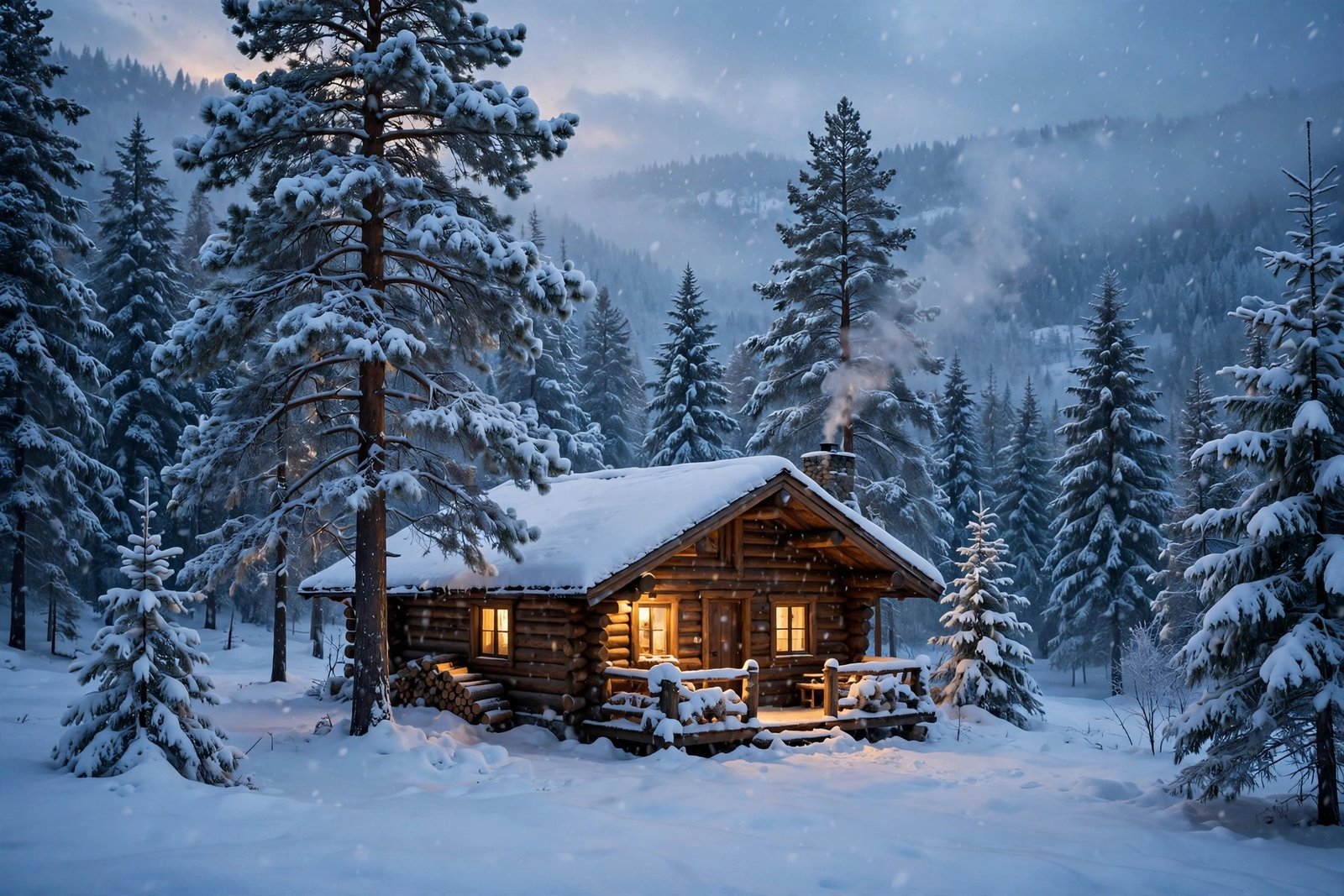
The classic, and honestly the strongest of the bunch. A snow-covered log cabin with warm golden light glowing in its windows, nestled among snow-laden pines at dusk, gentle snowfall, smoke curling from the chimney. If you only download one wallpaper from this list, make it this one.
2. The Frozen Lake Cabin
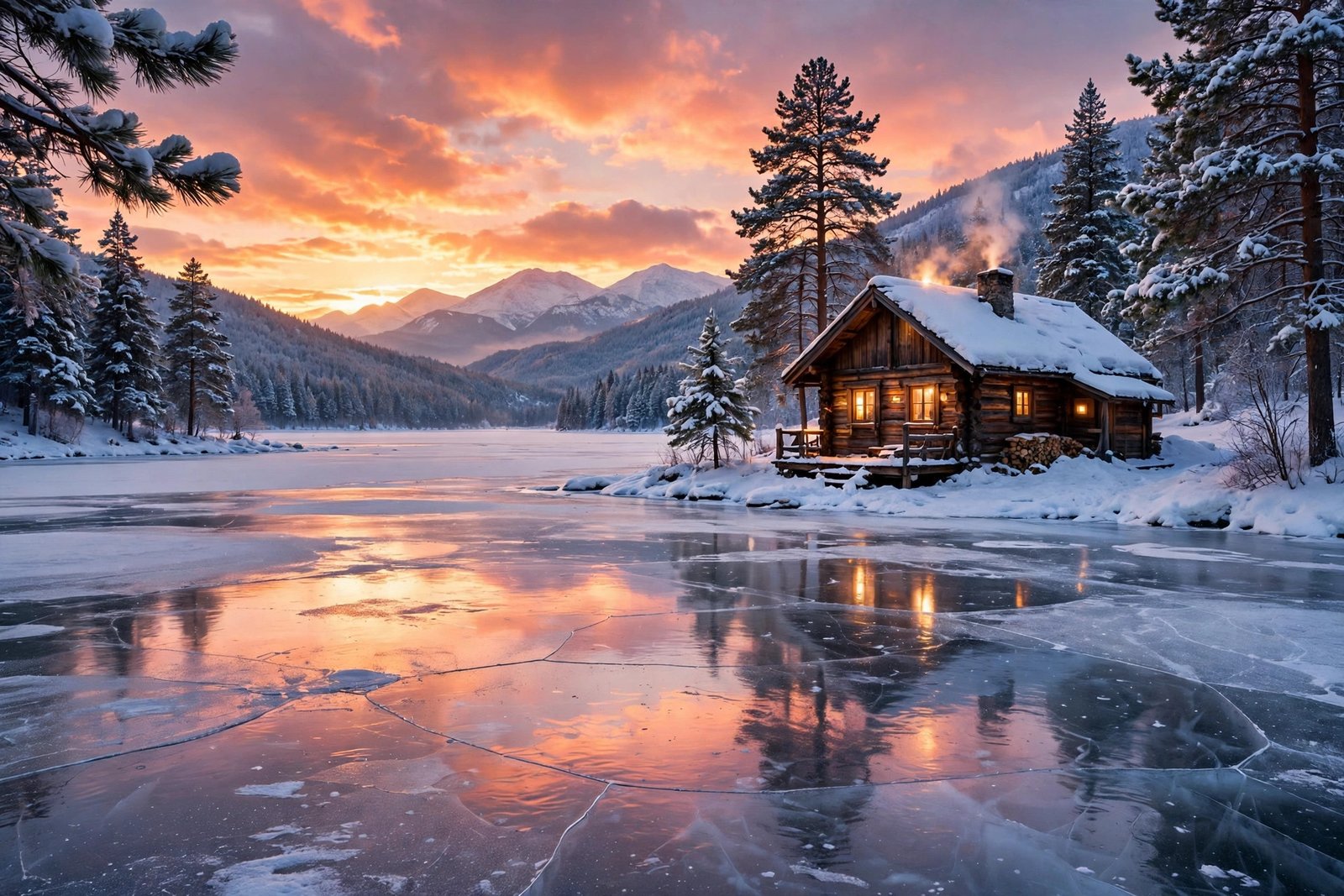
A charming wooden cabin on the shore of a frozen lake at sunset, warm lights in the windows, pink and orange sky reflecting on the ice, snow-covered pines standing guard. It is the kind of scene that makes you slow down without even trying — the wallpaper equivalent of a deep breath.
3. The Lantern-Lit Path
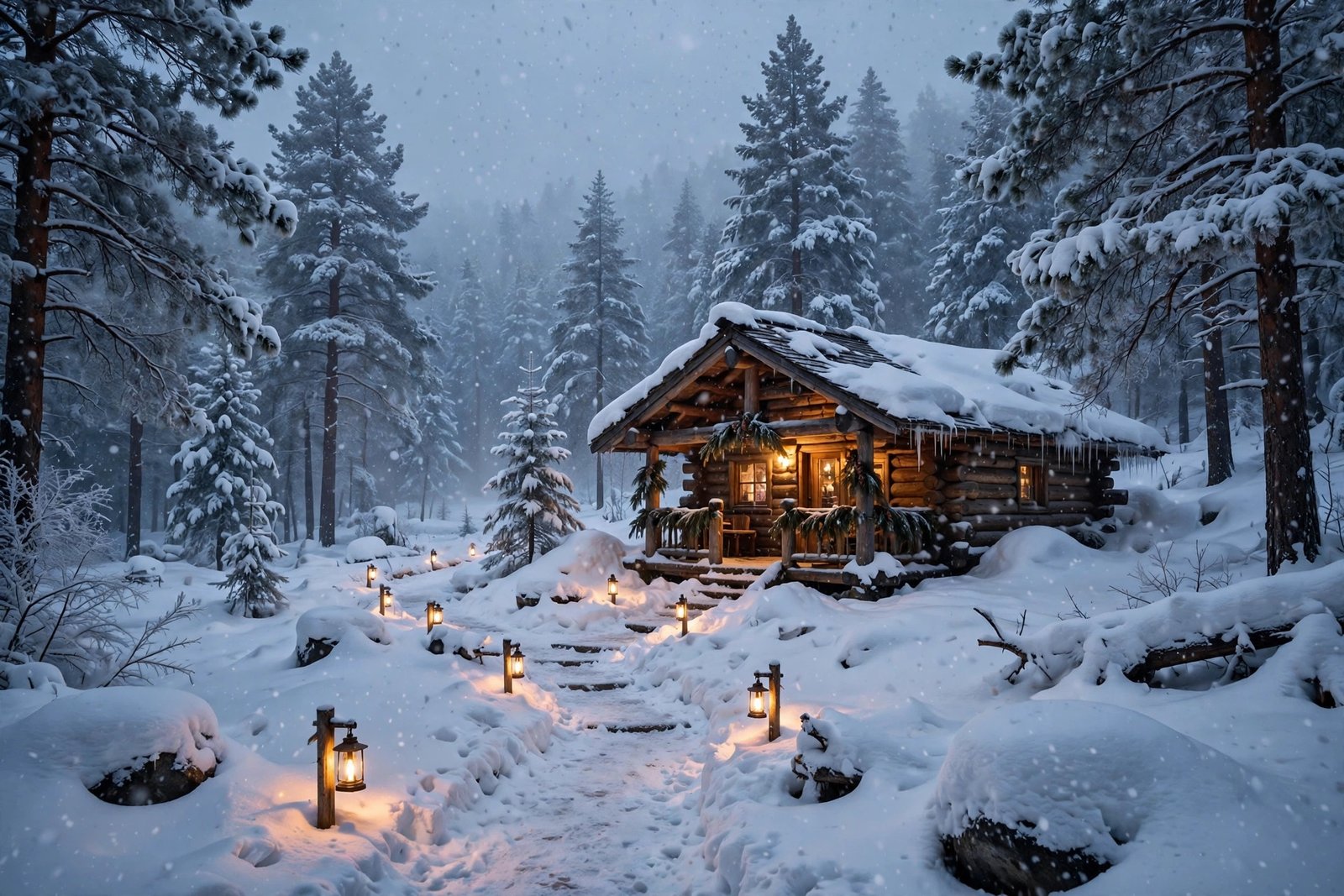
A rustic log cabin buried in deep snow in a quiet pine forest, a lantern-lit path leading to a warm glowing porch, snowflakes falling softly. You can practically feel the crunch under your boots. This one is for everyone whose ideal winter involves getting snowed in somewhere quiet.
4. Lights in the Twilight
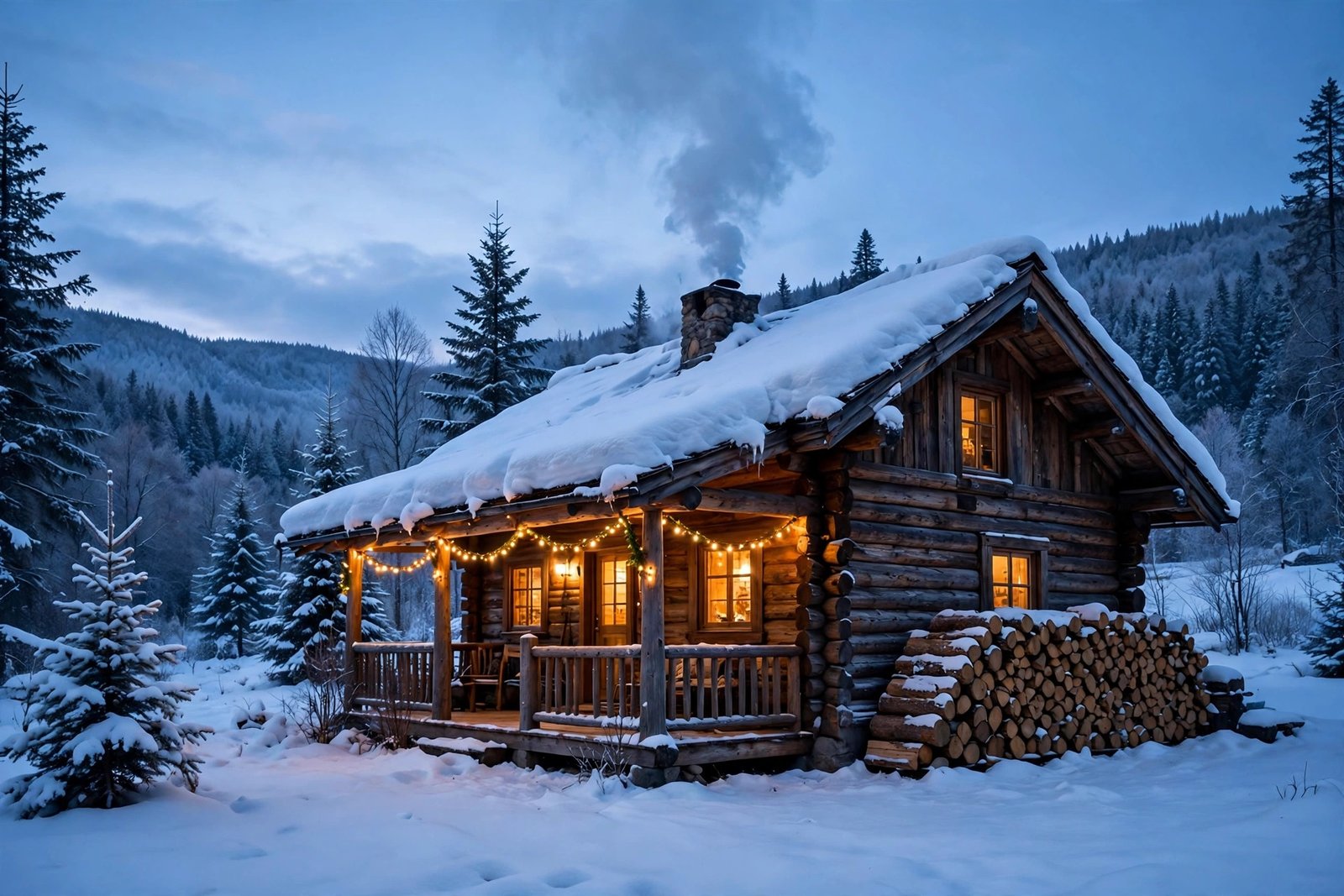
A cozy cabin with a snow-laden roof and warm string lights, smoke rising from the chimney, a stacked woodpile by the door, twilight blue sky overhead. It glows — genuinely glows — and it looks wonderful on a dark-mode desktop where the warm lights really pop.
5. By the Fireplace
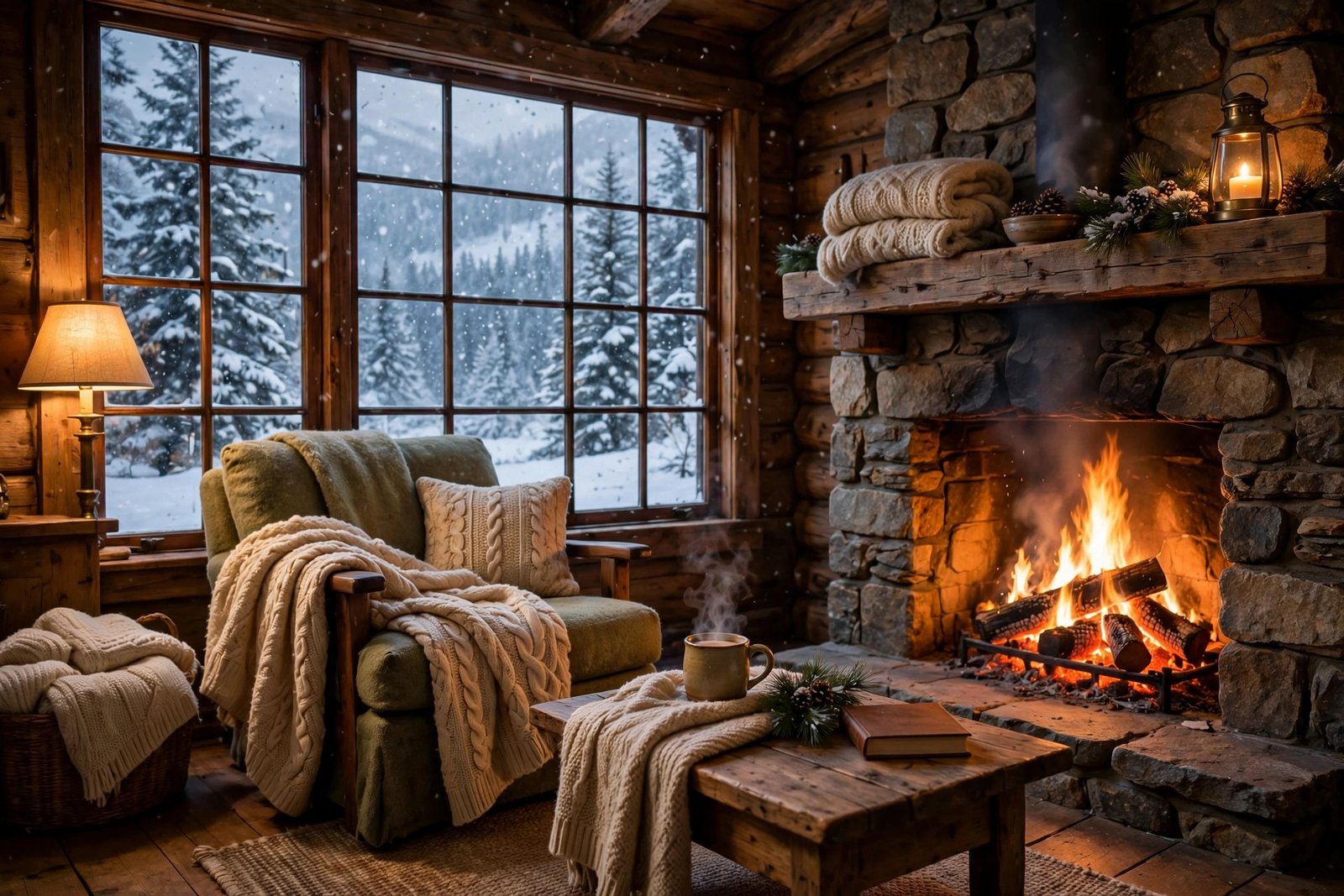
Step inside for this one: a crackling stone fireplace, an armchair with a knitted blanket, warm lamplight, and a large window showing falling snow outside. It is the only interior in the pack, and it is pure hygge. Lovely on a laptop you use curled up on the sofa.
6. Under the Winter Stars
A small log cabin glowing warmly under a starry winter night sky, deep snow drifts, tall snow-covered pines, a path of footprints leading to the door. Someone is home, and someone is warm — and looking at it, you feel a little warmer too. A beautiful one to leave on your screen overnight.

7. The Valley Stream
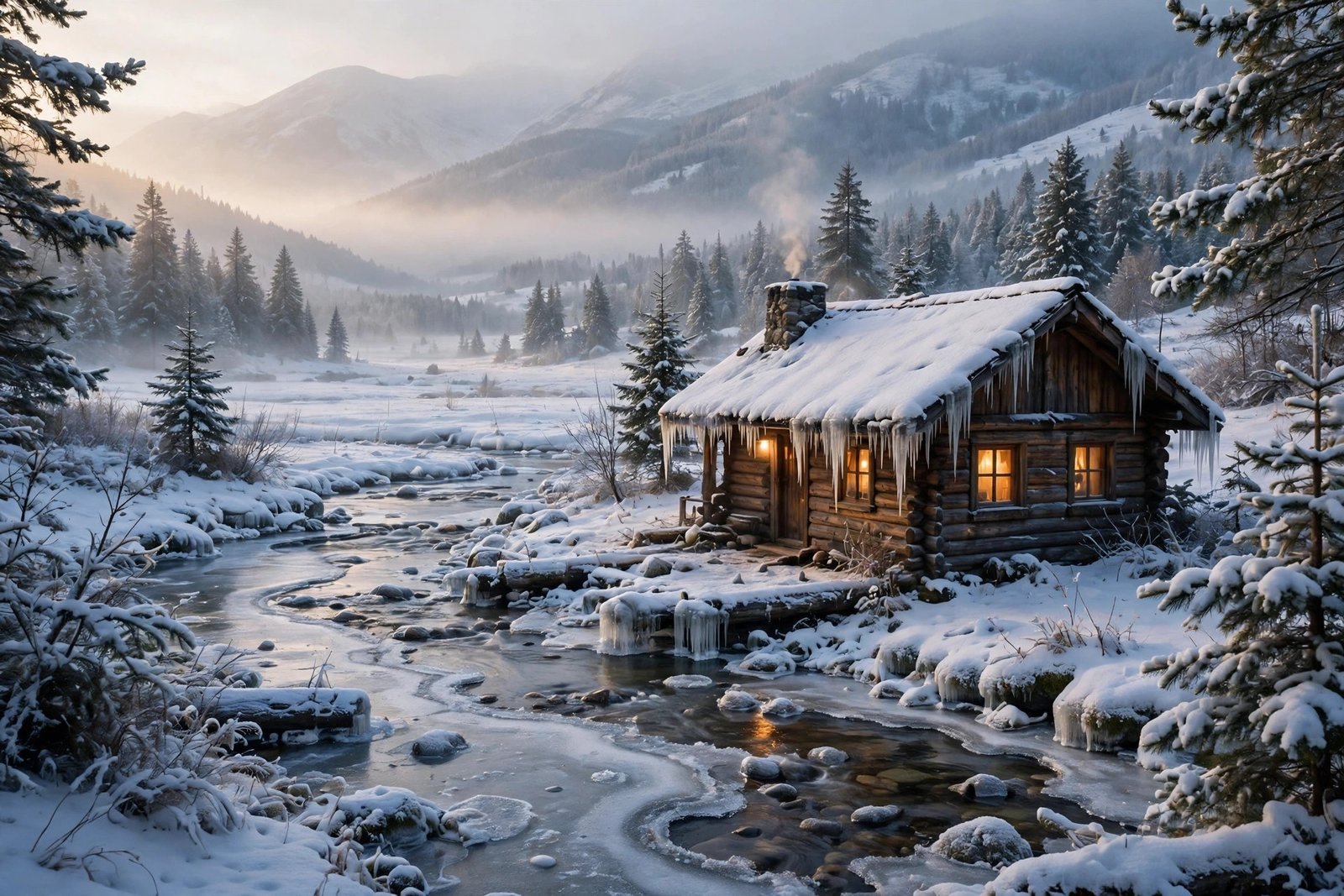
A winter cabin beside a partly frozen stream in a snowy valley, morning light, icicles on the eaves, warm light in the windows. Calm, wide, and peaceful — a great pick if you like wallpapers that feel quiet rather than busy.
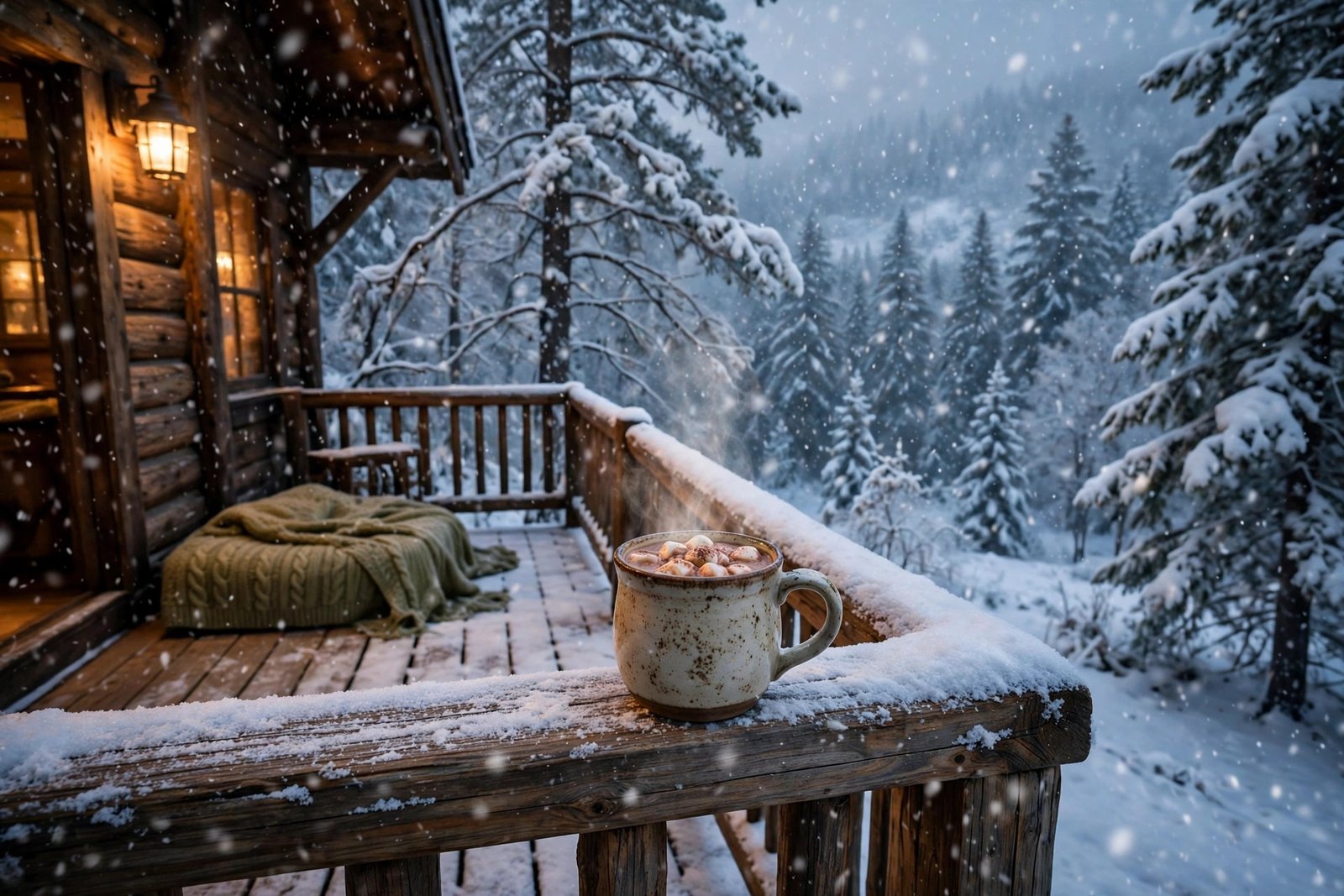
8. Cocoa on the Porch
A cabin deck with a steaming mug of hot cocoa on a wooden railing, warm porch light, heavy snowfall, pine trees in the background. This one smells like chocolate and woodsmoke, or at least it tries to. The most inviting image in the pack, and a lovely one for cold mornings.
9. Blue Hour in the Mountains
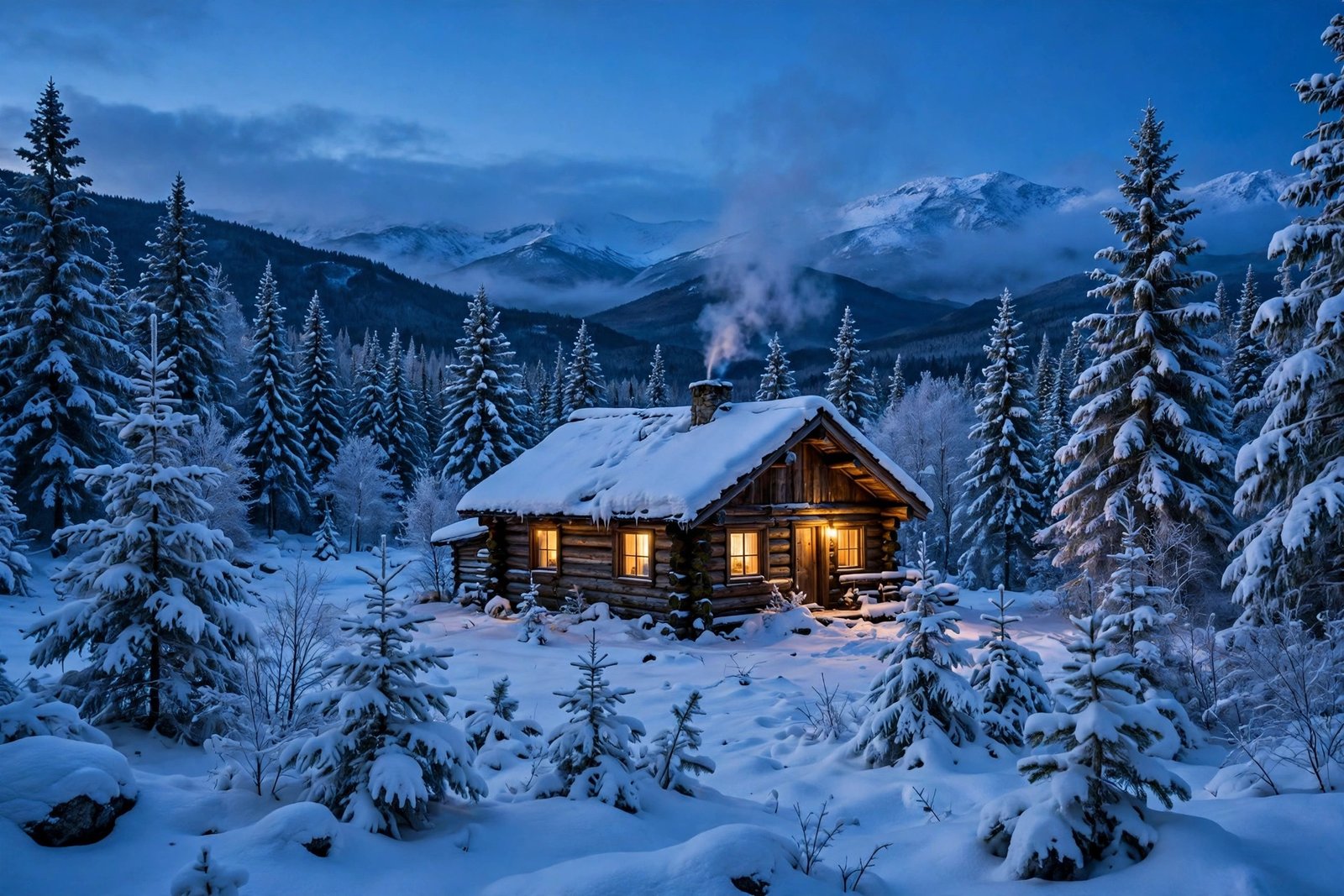
A secluded log cabin in a snowy mountain clearing at blue hour, warm glowing windows, smoke from the chimney, snow-covered spruce trees all around. Serene, cinematic, and the widest scene in the pack — it shines on a large monitor where the blue-and-gold contrast really shows.
10. The Festive Cabin
To end on a celebration: a cabin dressed with warm Christmas lights and a wreath, gentle snowfall at night, glowing windows, snow-covered pines. It is December in a single frame — the wallpaper to set when the season officially starts, and to keep until the last of the snow melts.

How to Download
Click the Download button under any wallpaper above and the full-resolution JPG saves straight to your device. No account needed, no email required. Save as many as you like and rotate them through the season — that’s half the fun.
How to Set Your New Wallpaper
On Windows: Find the downloaded image, right-click it, and choose Set as desktop background. Or go to Settings → Personalization → Background → Browse photos.
On Mac: Open System Settings → Wallpaper, click Add Photo, and pick the file. macOS lets you choose Fill, Fit, or Stretch if the framing needs a tweak.
On Android: Open the image in your gallery app, tap the three-dot menu, and choose Set as wallpaper. Pick Home screen, Lock screen, or both.
On iPhone: Go to Settings → Wallpaper → Add New Wallpaper → Photos, then select the image. These are landscape desktop wallpapers, so expect some cropping — pinch to position the part you want.
Frequently Asked Questions
Are these winter cabin wallpapers really free?
Yes — every wallpaper in this pack is completely free to download and use as your personal desktop or phone background. No watermarks, no payment, no sign-up.
What resolution are the wallpapers?
Each image is high-definition landscape quality, sharp on Full HD and most larger monitors, as well as laptops.
Can I use these on my phone?
You can. They’re designed as landscape desktop backgrounds, so on a portrait phone screen they’ll be cropped — but the scenes are wide enough that cropping still looks good. Just position the crop on the part you like best.
Can I use them for commercial purposes?
These are shared for personal use only — decorating your own devices. Please don’t resell them, re-upload them as your own, or bundle them into paid products.
Wrapping Up
Ten wallpapers, zero cost, one very cozy screen. Whether you go for the classic cabin at dusk, the fireplace interior, or the festive lights of the last one, there’s a winter here for every kind of cold-weather mood. Download your favourites, set one tonight, and let your desktop feel like a warm cabin — even if it’s still snowing outside.