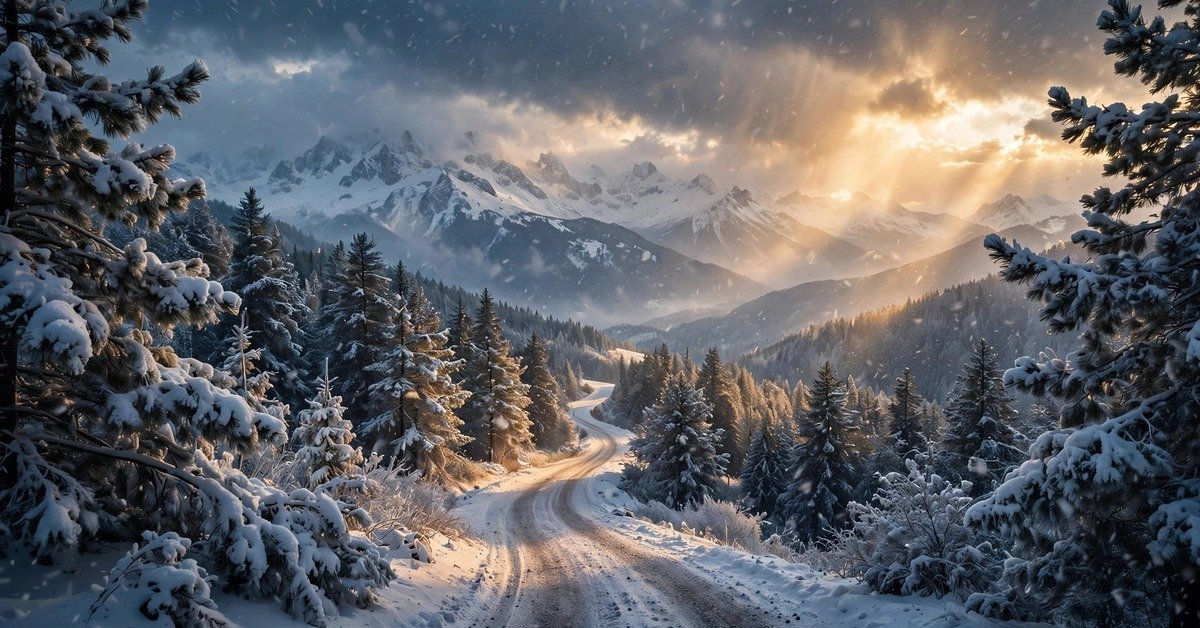
10 Stunning Winter Snowfall Landscape Wallpapers 2026 (Free HD Downloads)
There’s something about the first real snowfall of the year that makes even the busiest day slow down a little. You glance out the window, the world has gone quiet and white, and suddenly the to-do list feels less urgent. Now imagine getting that feeling every time you open your laptop.
That’s exactly what this pack is for. 10 free winter snowfall landscape wallpapers, all in crisp HD, all free to download. No watermarks, no sign-ups, no catch. Just pure, falling-snow calm for your screen — the kind that makes a Tuesday afternoon feel a little more like a mountain morning.
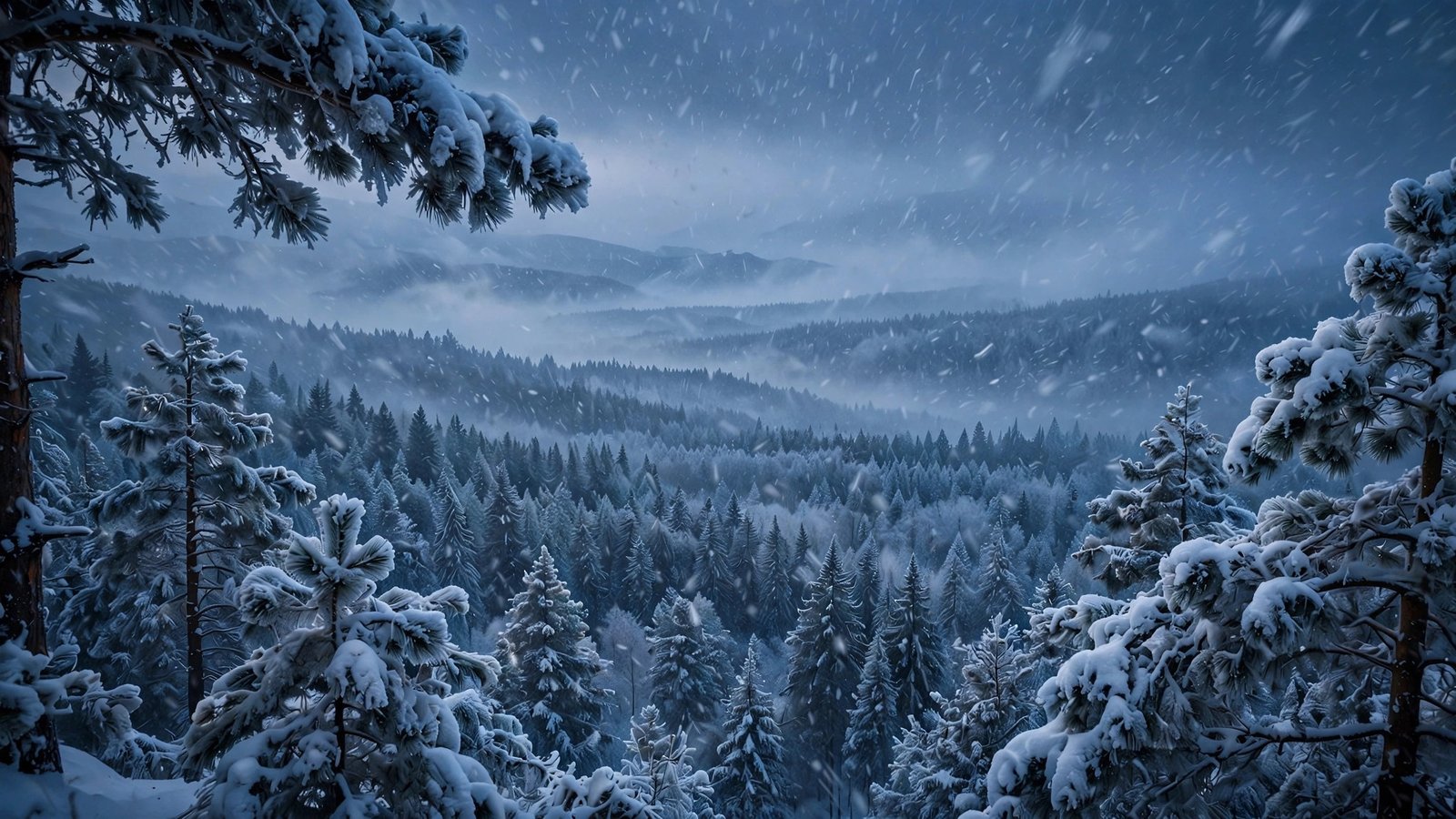
1. Blizzard Over the Pine Forest
Heavy snow streaking through a vast pine forest at blue hour — this is winter at full volume. Layer upon layer of snow-laden evergreens fading into the mist. It’s the most dramatic of the bunch, and honestly my pick if you want your desktop to feel like the deep wilderness.
2. Snowy Mountain Road at Dawn
A winding road disappearing into snow-covered pines, the first soft golden-pink light of morning catching the peaks. Quiet, wide, cinematic. This one feels like the beginning of an adventure — or a very peaceful commute.

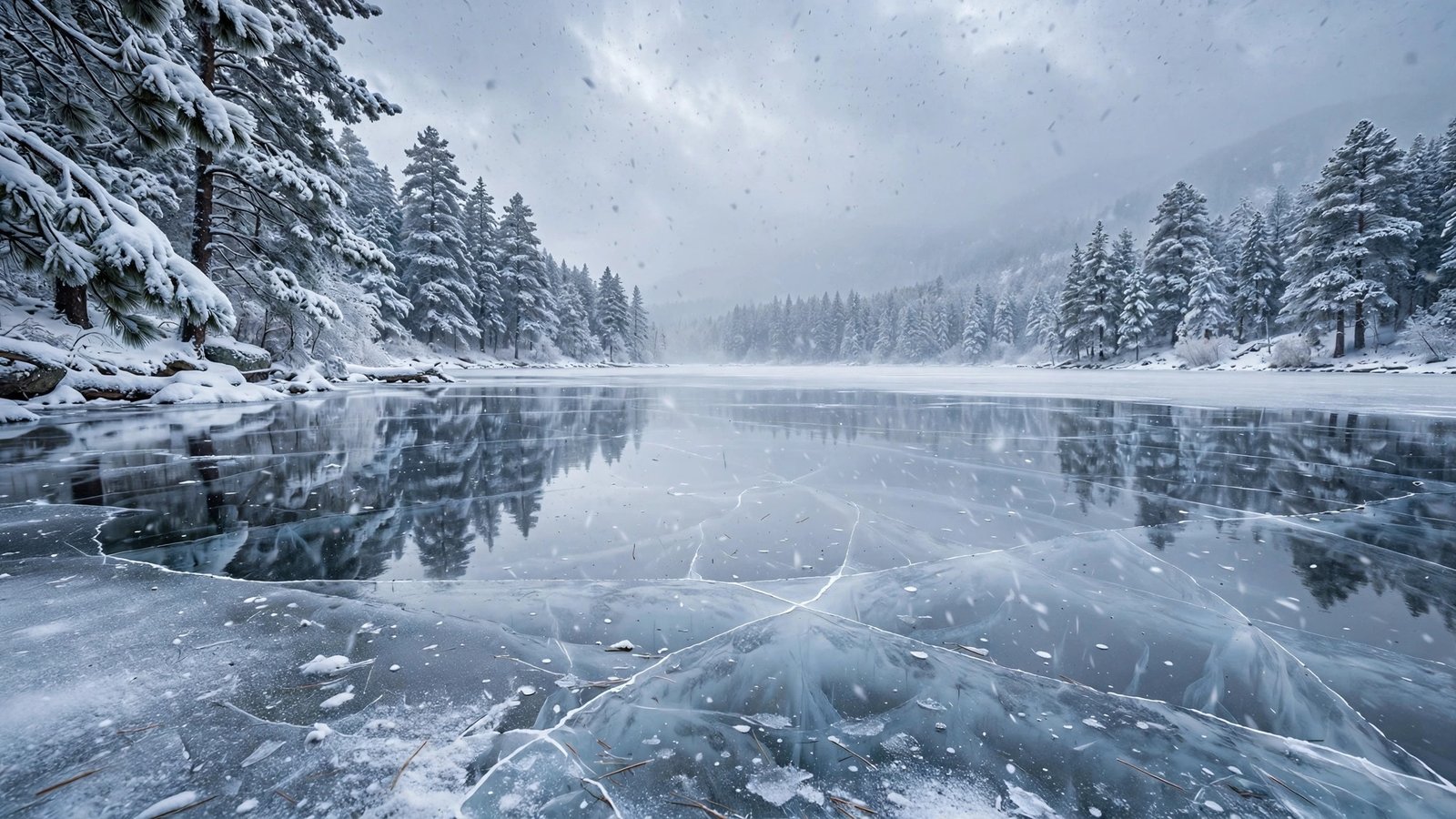
3. Frozen Lake Under Falling Snow
A glassy frozen lake holding a perfect mirror of snow-dusted pines, delicate flakes drifting through the cold still air. Everything about this scene is stillness. Lovely on a monitor where you can really see the reflection.
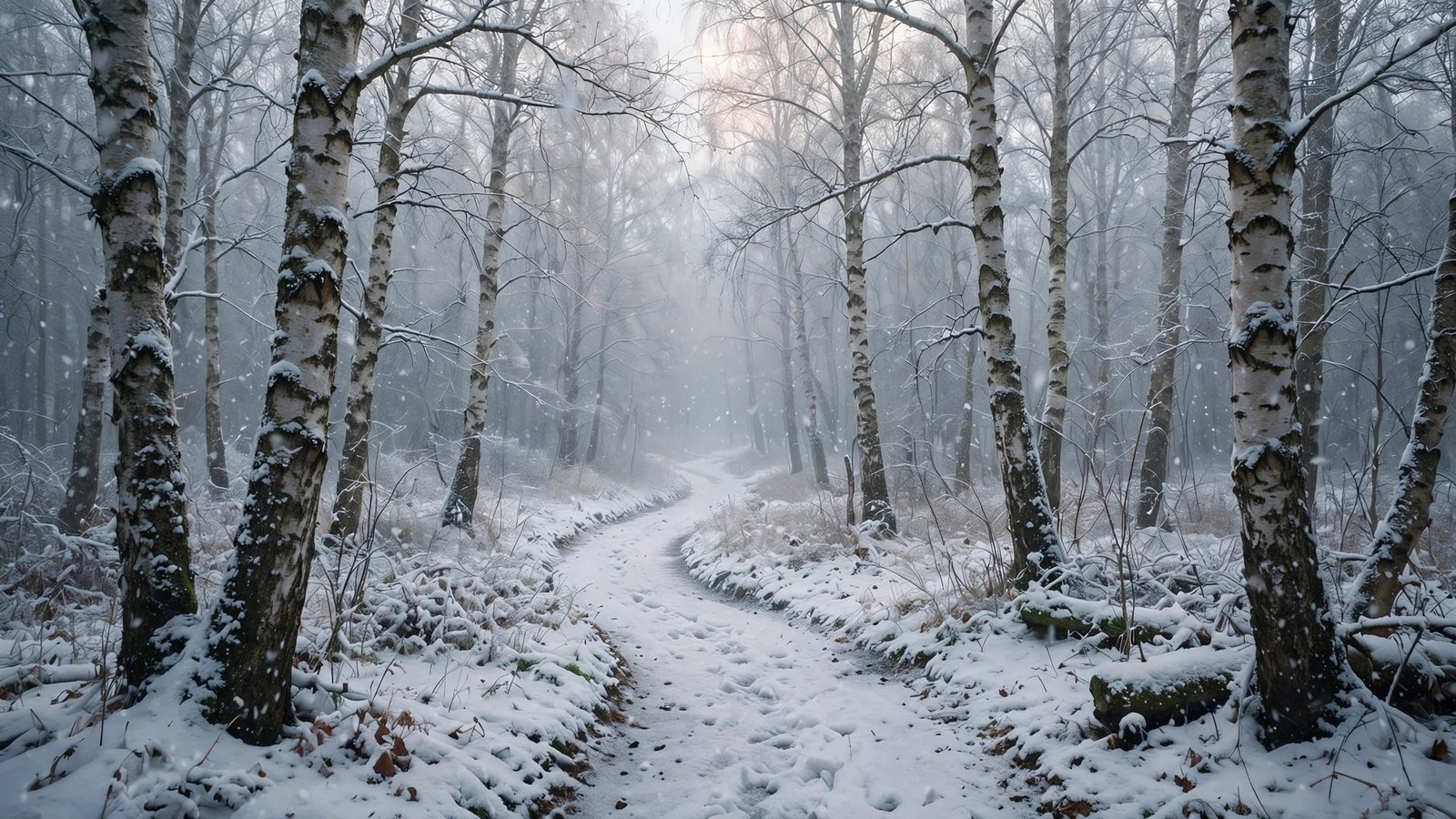
4. Snow-Covered Birch Forest Path
A narrow trail curving through white birch trunks dusted in fresh snow, pale winter light filtering through the bare branches. There’s a gentle, storybook quality to this one — like the path is inviting you to walk it.
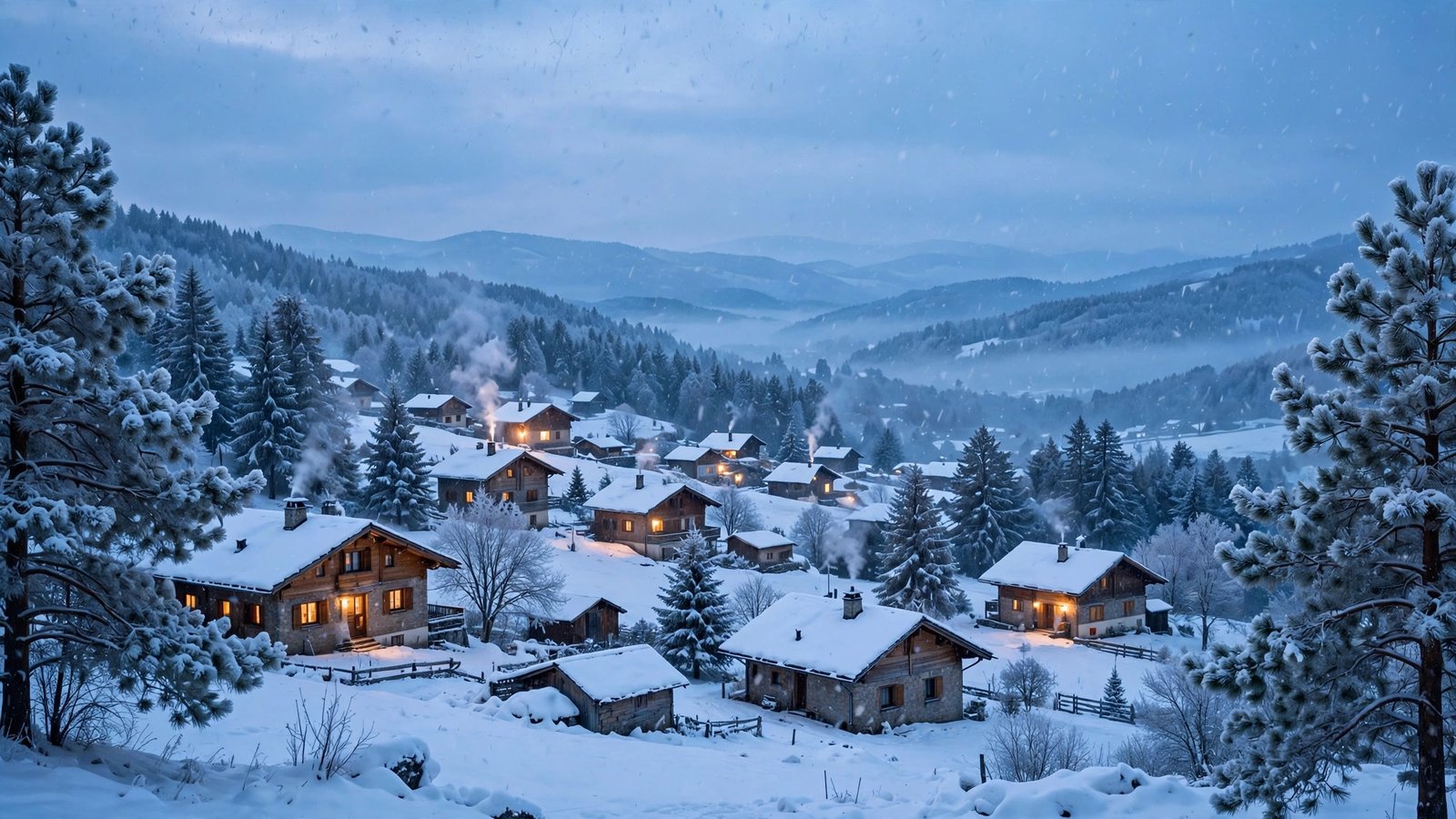
5. Winter Village in Falling Snow
Snow-blanketed rooftops, warm lights glowing in a few windows, thin smoke rising from chimneys — a little village settling into a snowy dusk. It’s cozy without being Christmas-y, which is exactly why it works all winter long.
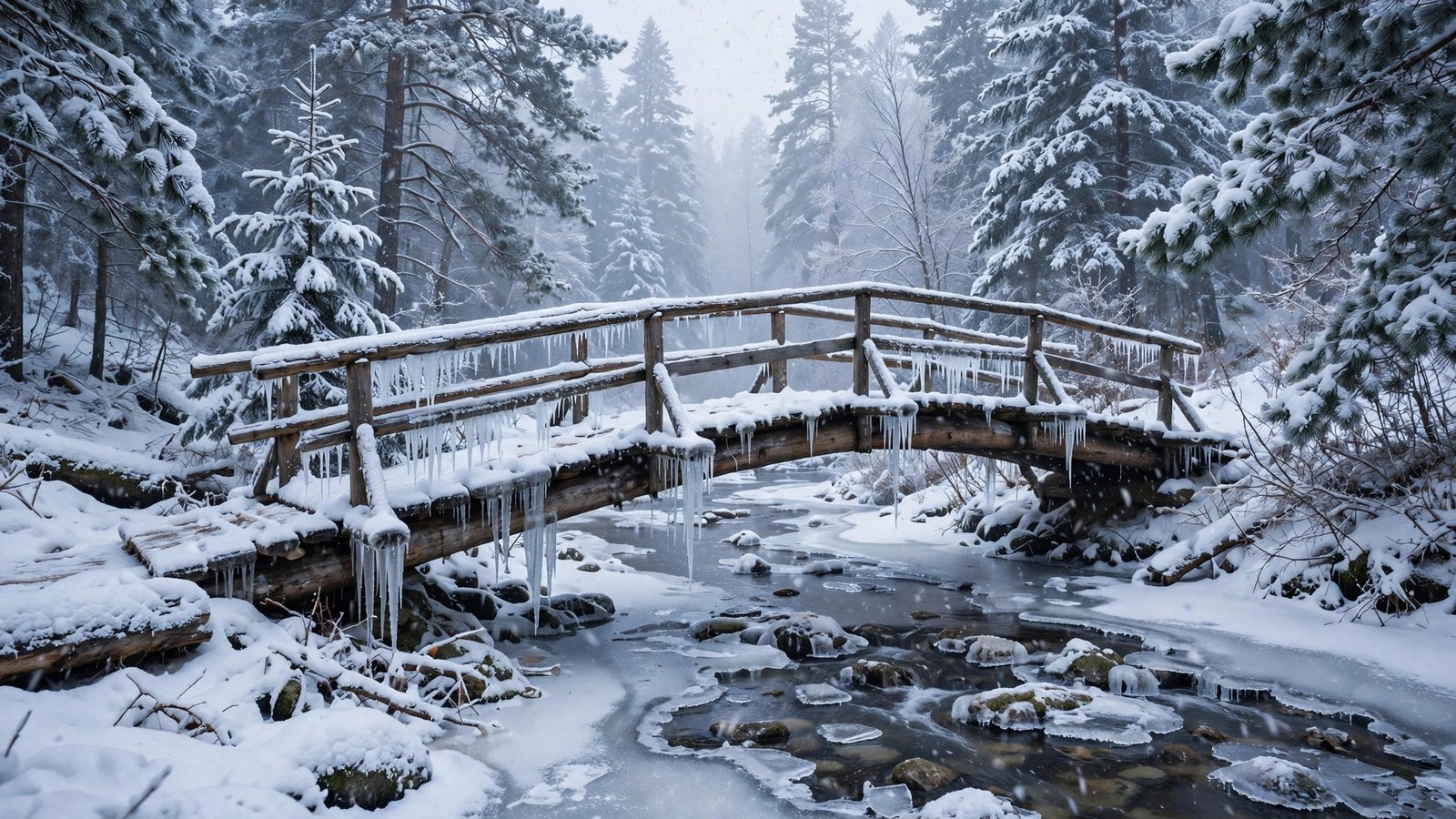
6. Snow-Dusted Bridge Over a Frozen Stream
A rustic wooden footbridge arched over a partly frozen stream, icicles on the railings, snow falling softly through the pines. Dreamy, peaceful, and full of small details you keep noticing — desktop icons stay perfectly readable over it.
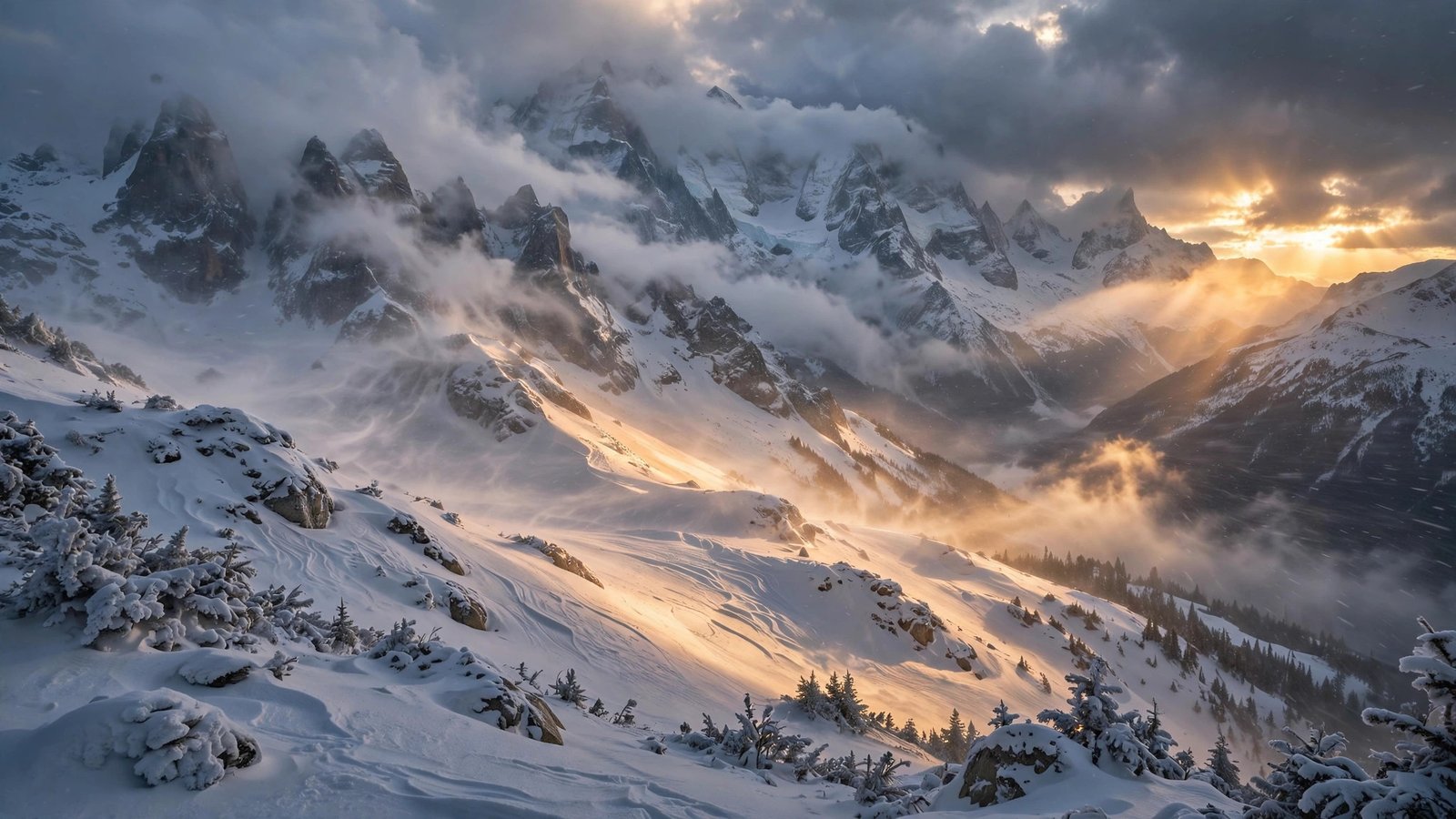
7. Alpine Peaks in a Snowstorm at Golden Hour
The wild one. Towering peaks wrapped in swirling snow, warm golden light punching through the storm onto the slopes. Drama and calm in the same frame — for anyone who likes their wallpaper with a little weather in it.
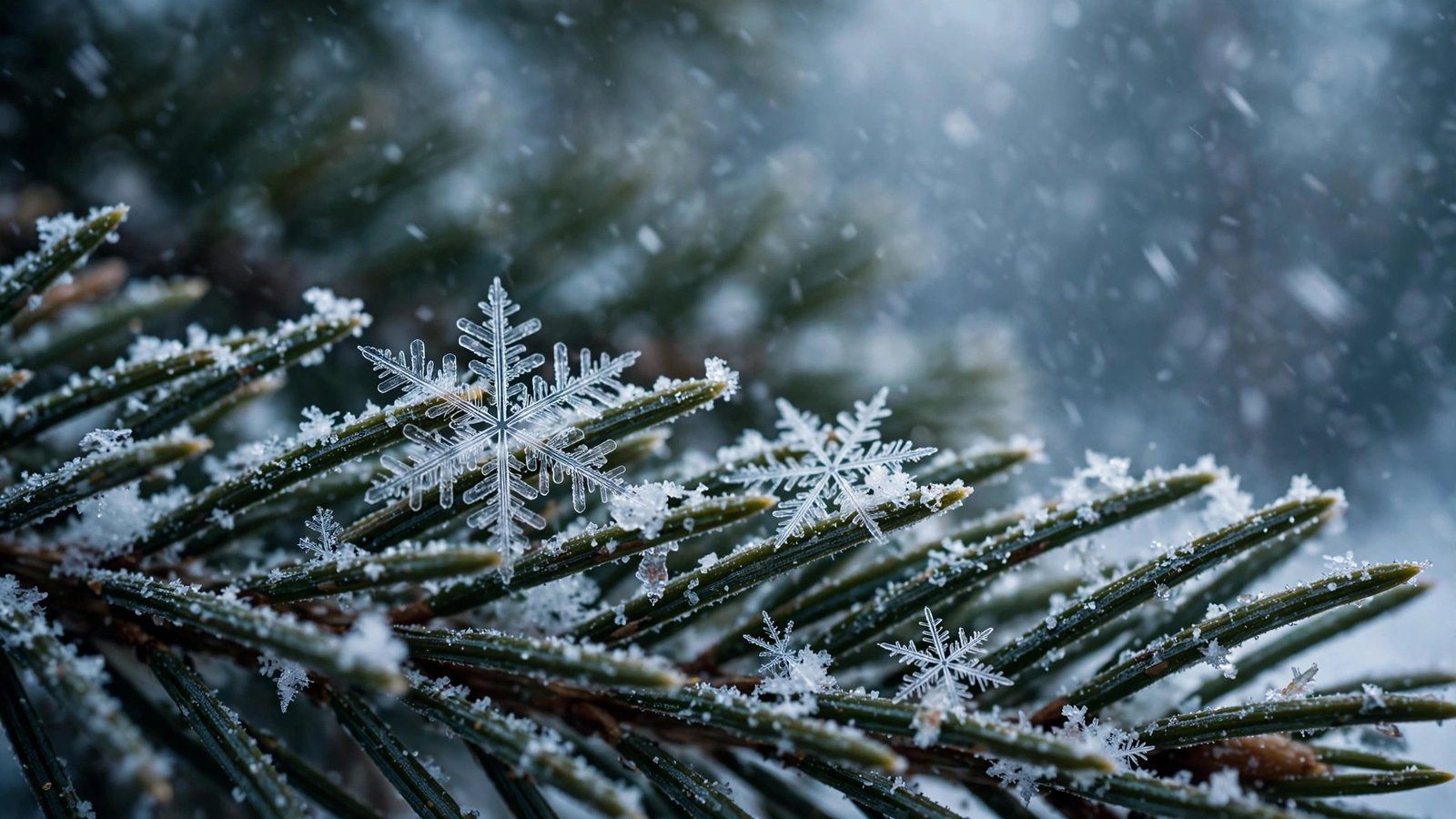
8. Snowflakes on Pine Needles
A macro shot of perfect crystalline snowflakes resting on dark green pine needles, more flakes drifting soft in the background. Every flake is razor-sharp. On a larger monitor, the detail is genuinely mesmerizing.
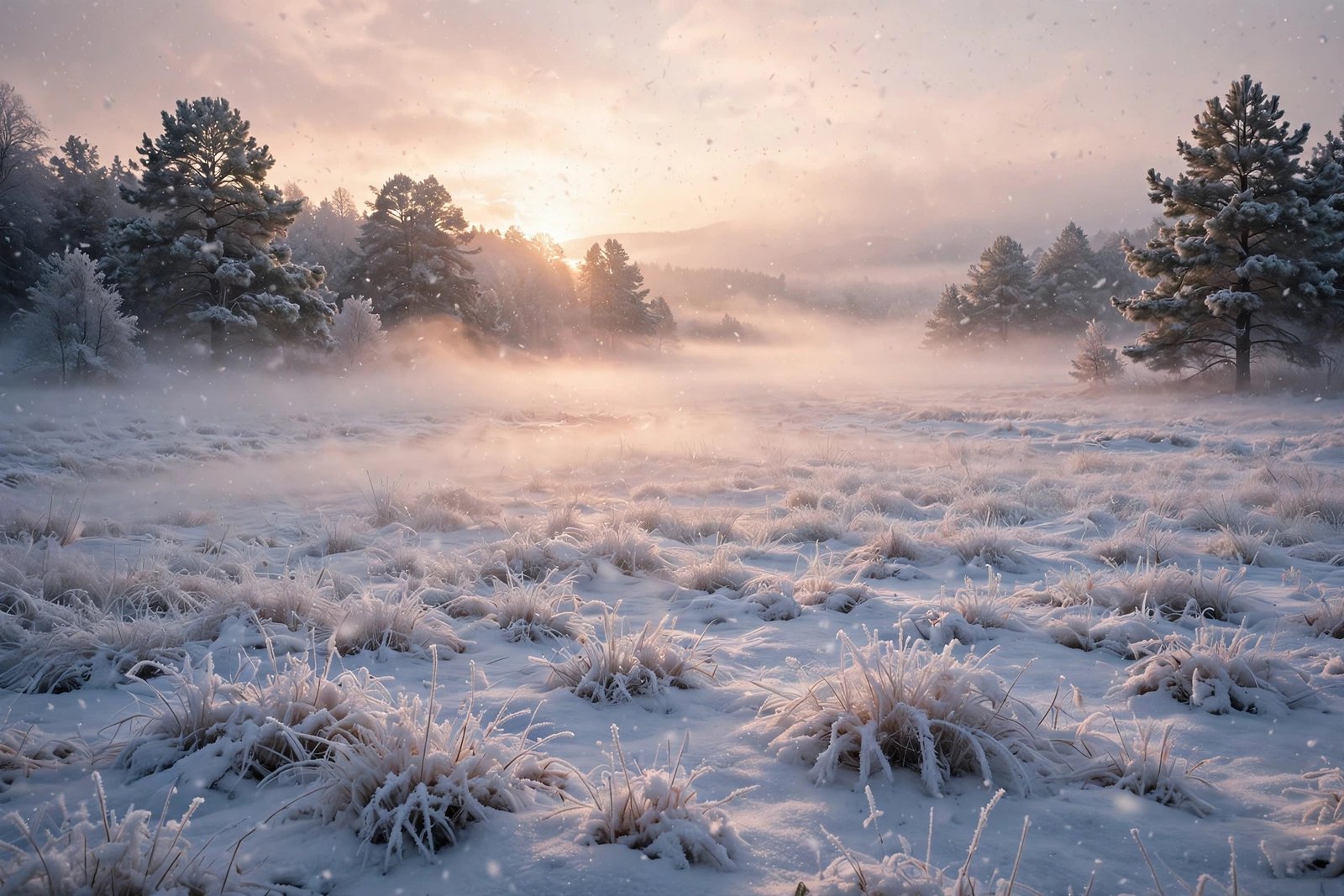
9. Misty Winter Meadow at Sunrise
Frost-covered grasses and low mist drifting over untouched snow, soft pink-and-gold light spilling across the meadow. Ethereal, quiet, the softest image in the pack — a great pick for days when you want your screen to whisper.
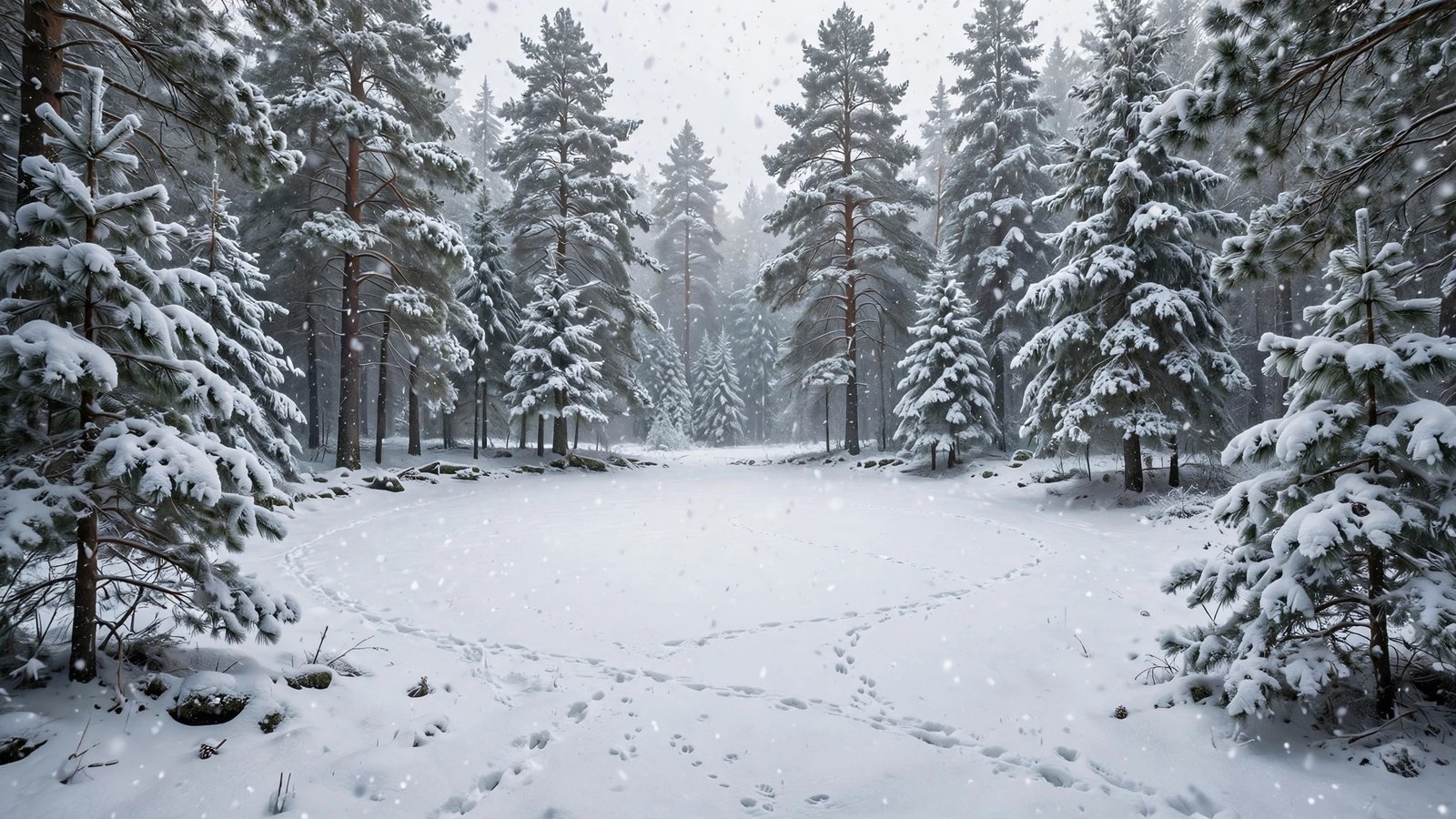
10. Snowy Forest Clearing
A clearing ringed by tall snow-laden pines, blanketed in untouched powder with just a few animal tracks crossing it. It feels like a place time forgot. Simple, serene, and the perfect note to end the pack on.
How to Download
It’s simple: click the Download button under any wallpaper above and the full-resolution JPG saves straight to your device. No account needed, no email required. Grab a few and rotate them through the winter — that’s half the fun.
How to Set Your New Wallpaper
On Windows: Find the downloaded image, right-click it, and choose Set as desktop background. Or go to Settings → Personalization → Background → Browse photos.
On Mac: Open System Settings → Wallpaper, click Add Photo, and pick the file. macOS lets you choose Fill, Fit, or Stretch if the framing needs a tweak.
On Android: Open the image in your gallery app, tap the three-dot menu, and choose Set as wallpaper. Pick Home screen, Lock screen, or both.
On iPhone: Go to Settings → Wallpaper → Add New Wallpaper → Photos, then select the image. These are landscape desktop wallpapers, so expect some cropping — pinch to position the part you want.
Frequently Asked Questions
Are these winter snowfall wallpapers really free?
Yes — every wallpaper in this pack is completely free to download and use as your personal desktop or phone background. No watermarks, no payment, no sign-up.
What resolution are the wallpapers?
Each image is 2048 × 1152 pixels (16:9 HD) — sharp on Full HD and most larger monitors, and clean on laptops.
Can I use these on my phone?
You can. They’re designed as landscape desktop backgrounds, so on a portrait phone screen they’ll be cropped — but the scenes are wide enough that cropping still looks good. Just position the crop on the part you like best.
Can I use them for commercial purposes?
These are shared for personal use only — decorating your own devices. Please don’t resell them, re-upload them as your own, or bundle them into paid products.
Will they fit an ultrawide monitor?
The images are 16:9. On ultrawide screens, use the Fill or Fit option in your wallpaper settings; Fill crops the edges slightly, Fit shows the whole image with small borders.
How often should I change my wallpaper?
Whenever you feel like it. Plenty of people swap with the mood of the week — the blizzard on a stormy Monday, the meadow on a calm Friday. With ten to choose from, you’re covered.
Wrapping Up
Ten wallpapers, zero cost, one very calm screen. Whether you go for the full blizzard over the pines, the quiet frozen lake, or the golden light hitting a snowstorm, there’s something here for every kind of winter mood. Download your favorites, set one tonight, and enjoy the quiet season.