A snowy forest is the quietest place on earth, or at least it feels that way — snow muffling every sound, tall pines standing still, light falling soft through the branches. You do not need hiking boots and a long drive to enjoy it, though. Put one on your screen, and on a busy workday you get a little pocket of that stillness every time you glance up.
So here are 10 free magical snowy forest wallpapers, all in HD, all free to download. No watermarks, no sign-ups, no catch. Just pick the forest that feels like your kind of winter and set it.
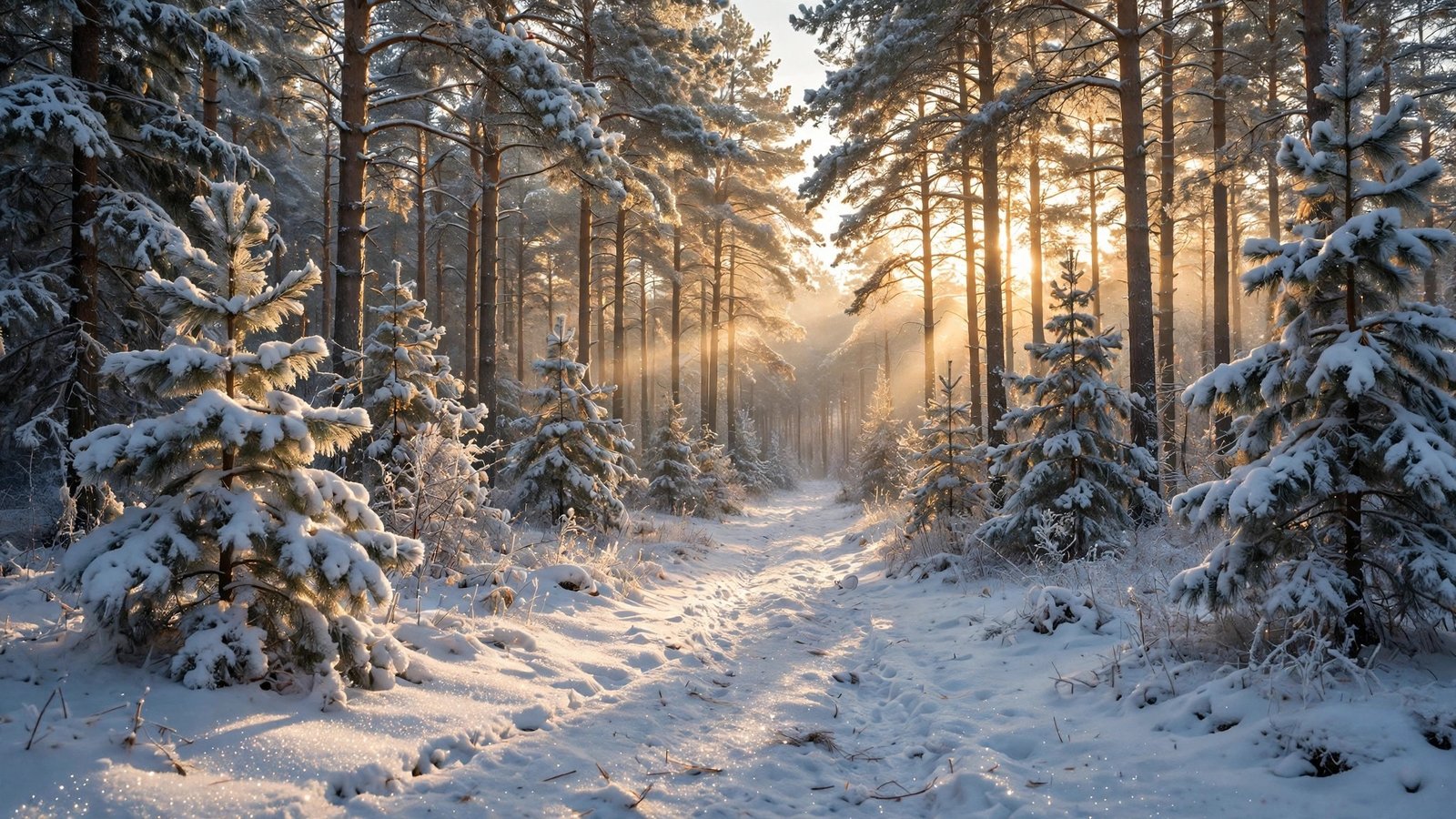
1. Morning Light on the Path
A sunlit snow-covered pine forest path with golden morning light streaming between tall trees. It is the most hopeful image in the pack — the first light after a cold night, sparkling on fresh snow. If you only download one wallpaper from this list, make it this one.
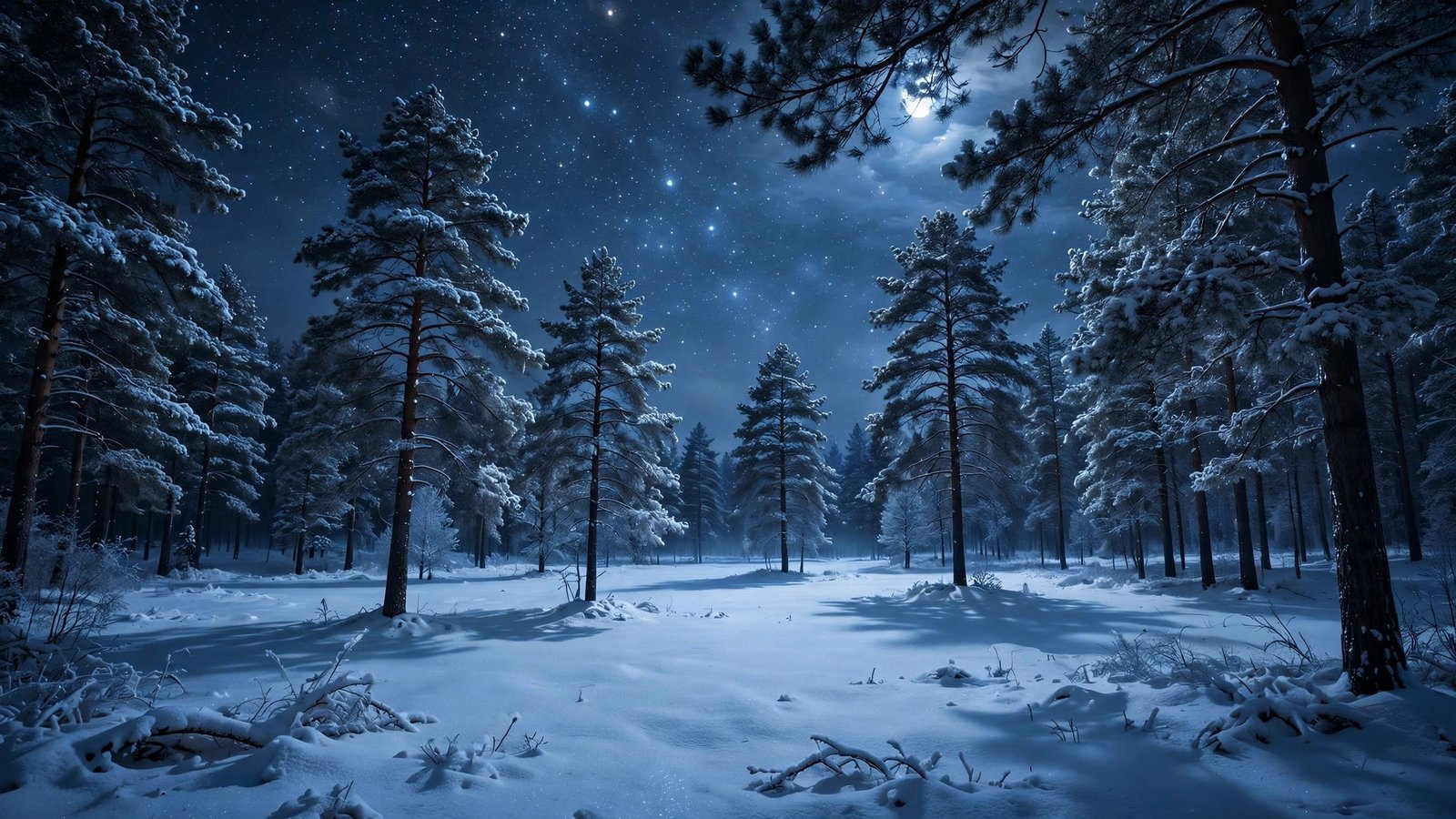
2. Moonlight in the Clearing
A moonlit snowy forest clearing with tall pines and a starry sky overhead, soft blue moonlight on untouched snow. Calm, wide, and a little bit mysterious — the wallpaper equivalent of stepping outside on a clear winter night and just standing there for a minute.
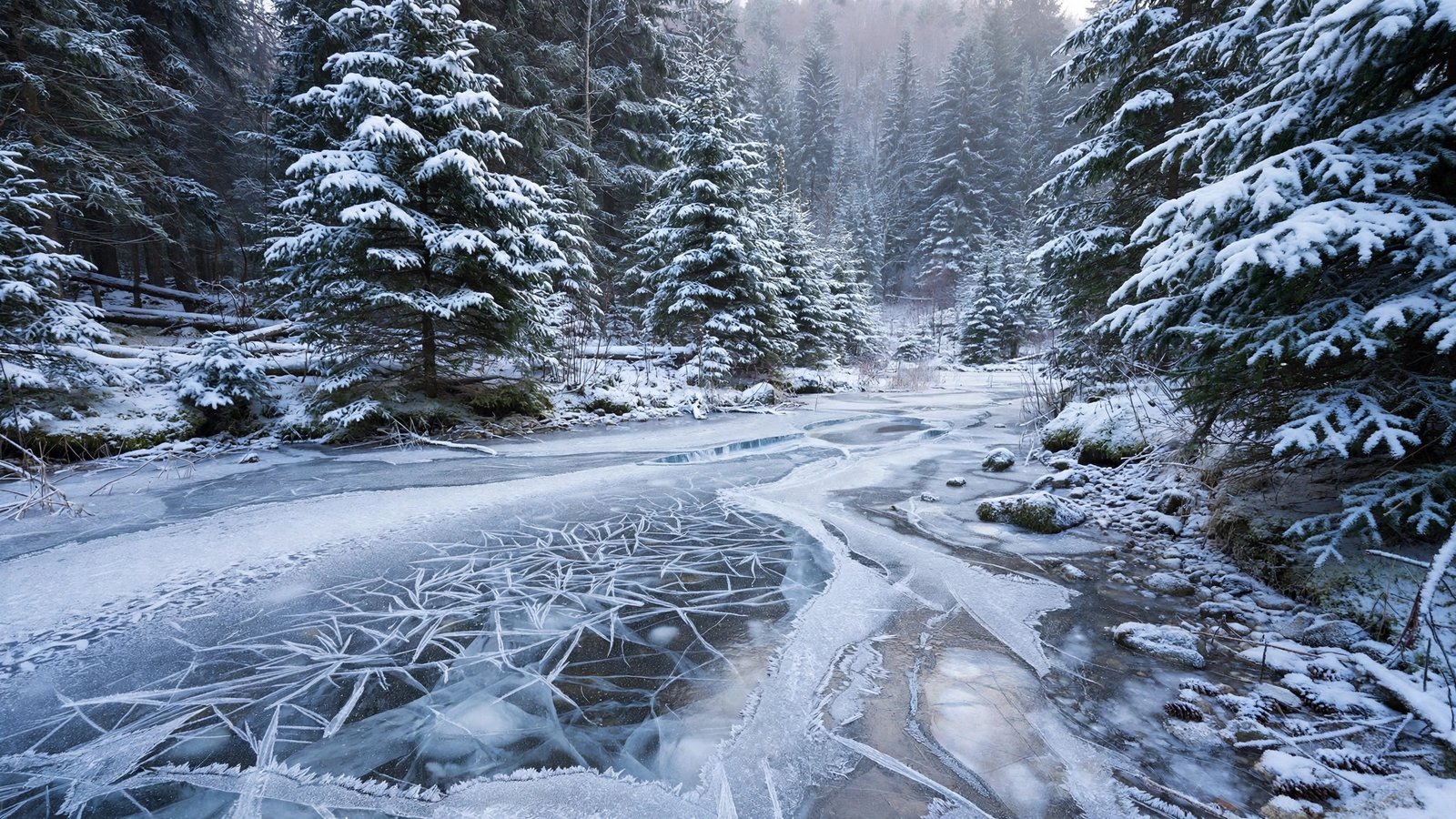
3. The Frozen Stream
A snow-laden spruce forest beside a frozen stream, ice patterns on the water, soft winter daylight. Quiet rather than dramatic, and all the better for it. A great pick if you like wallpapers that feel peaceful instead of busy, especially on a work monitor.
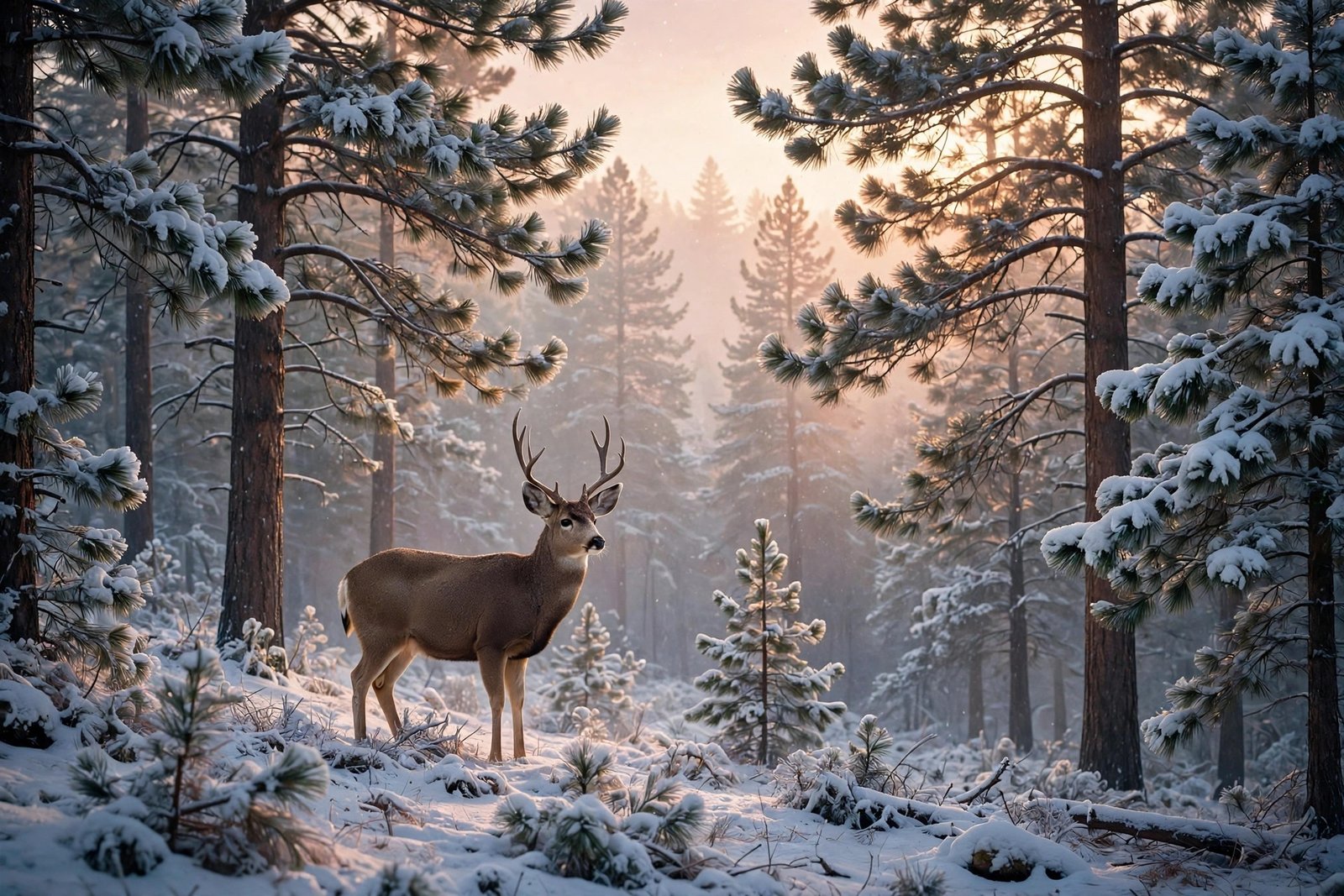
4. The Deer at Dawn
A deer standing quietly in a snowy pine forest at dawn, soft golden-pink light, gentle snowfall. It stops you mid-scroll — there is something about a wild animal caught in a still moment that makes the whole scene feel alive. Lovely on a laptop screen.
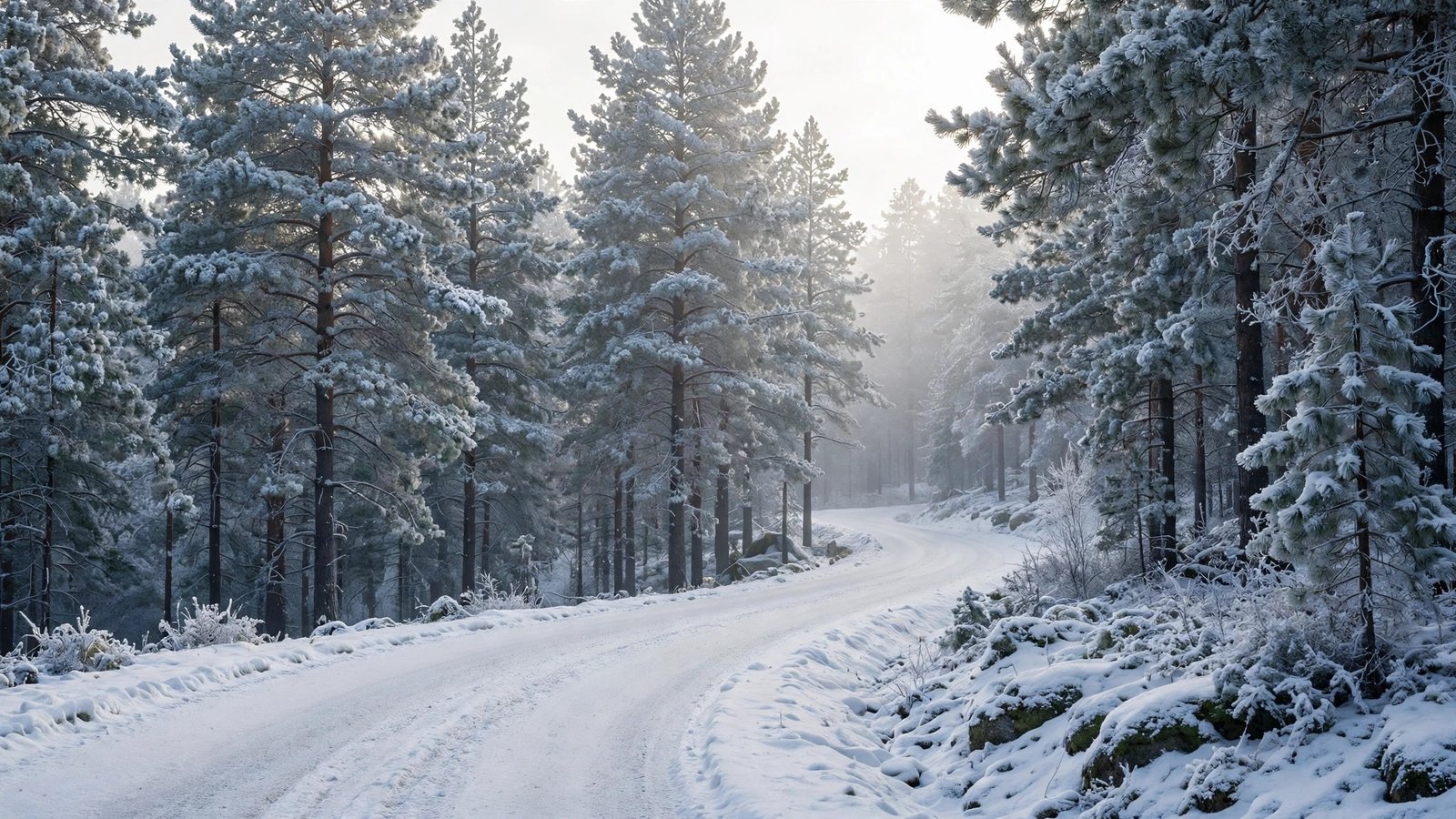
5. The Forest Road
A snowy forest road curving between tall frosted pines, fresh snow, soft winter light. It pulls your eye deep into the trees, like an invitation to keep walking. A classic wide scene, and it looks wonderful stretched across a large monitor.
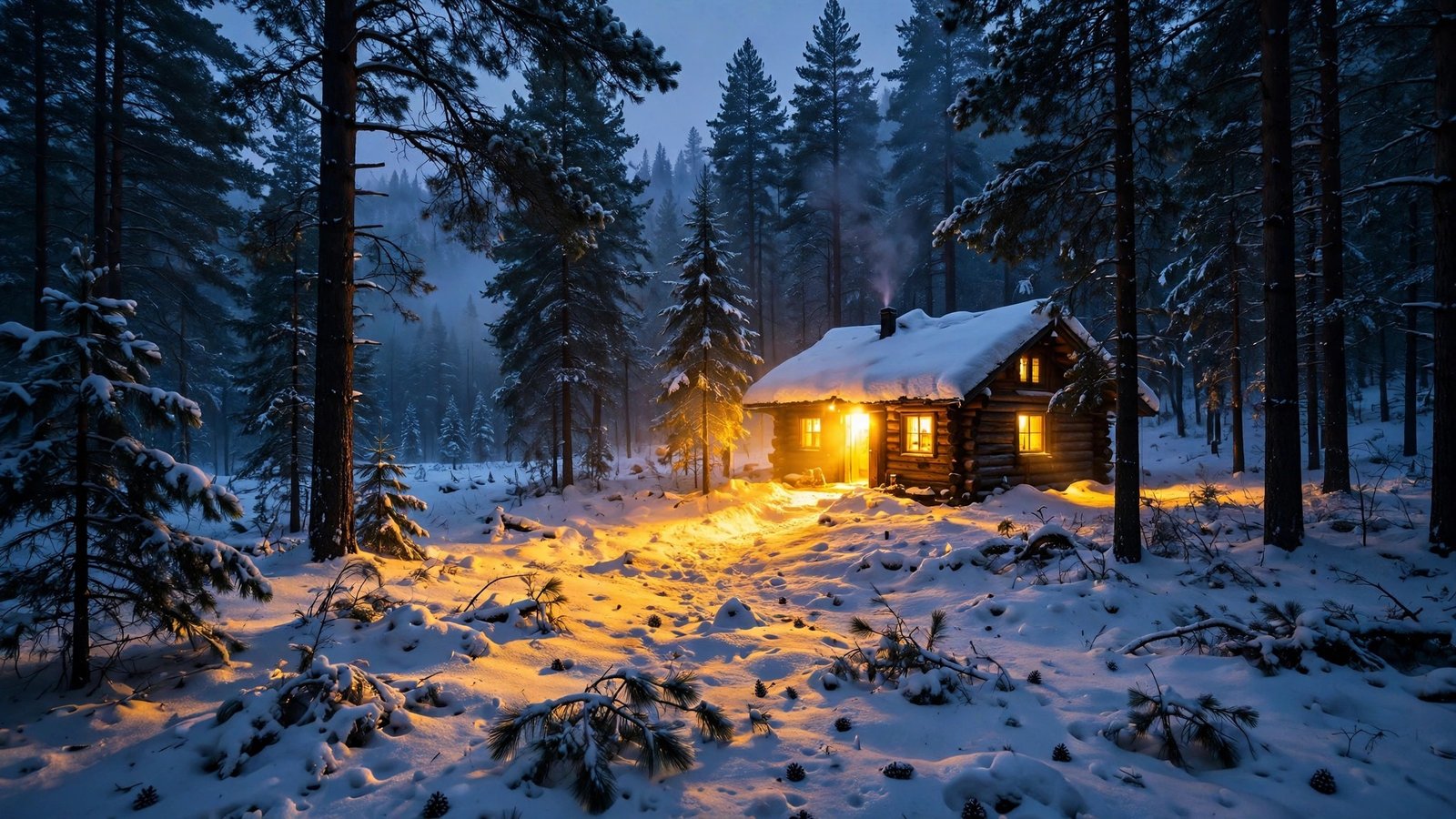
6. The Cabin Glow
A warm cabin window glow deep in a snowy forest at dusk, golden light spilling onto the snow between dark pines. Someone is home, and someone is warm — and looking at it, you feel a little warmer too. The coziest image in the pack, and a beautiful one to leave on your screen overnight.
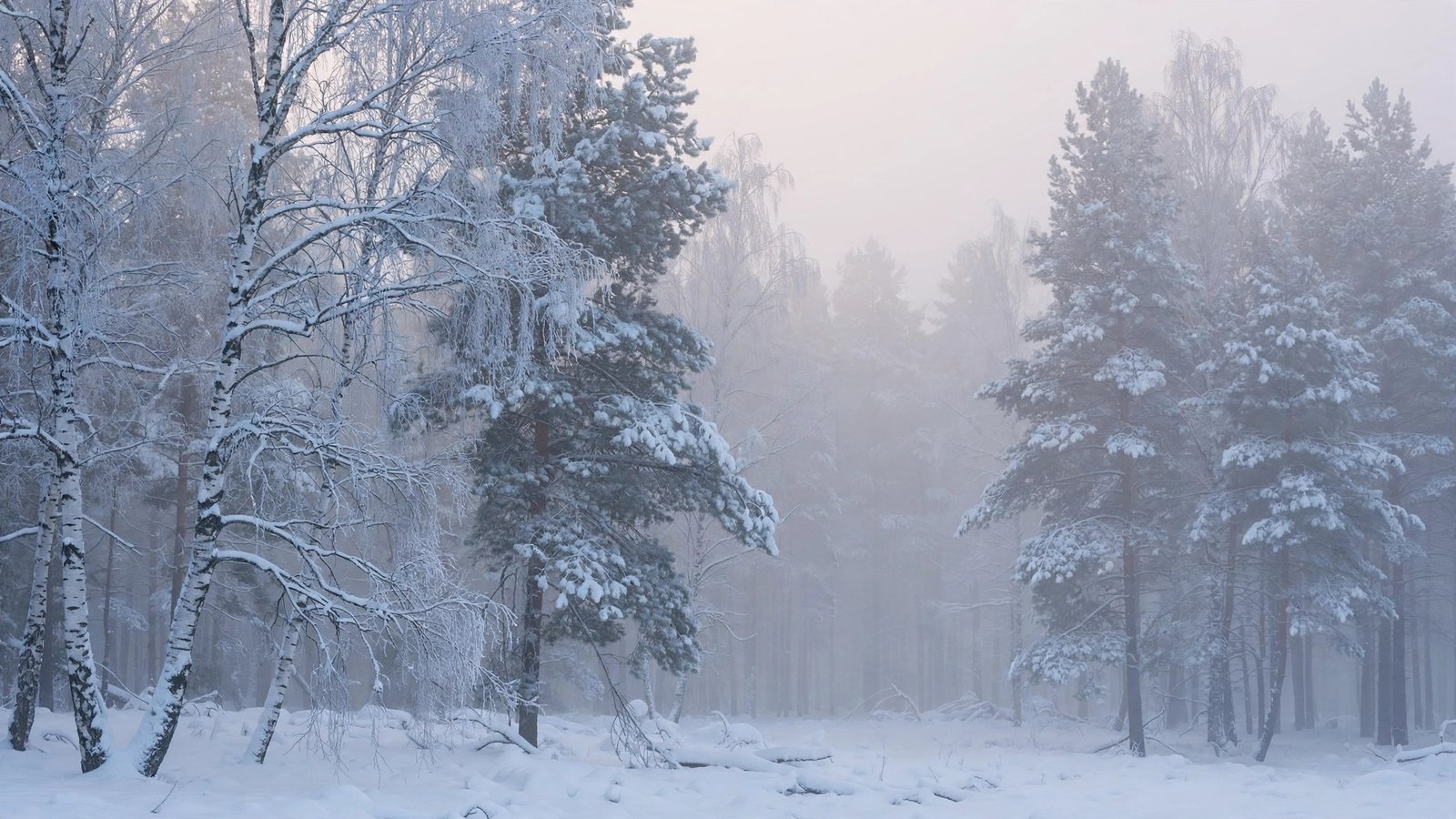
7. Fog Among the Birches
A snow-covered birch and pine forest in soft fog, pale winter light, everything hushed and dreamy. It is the most artistic image here — almost like a painting. If you prefer subtle, muted wallpapers over bright ones, this is your pick.
8. The Frozen Waterfall
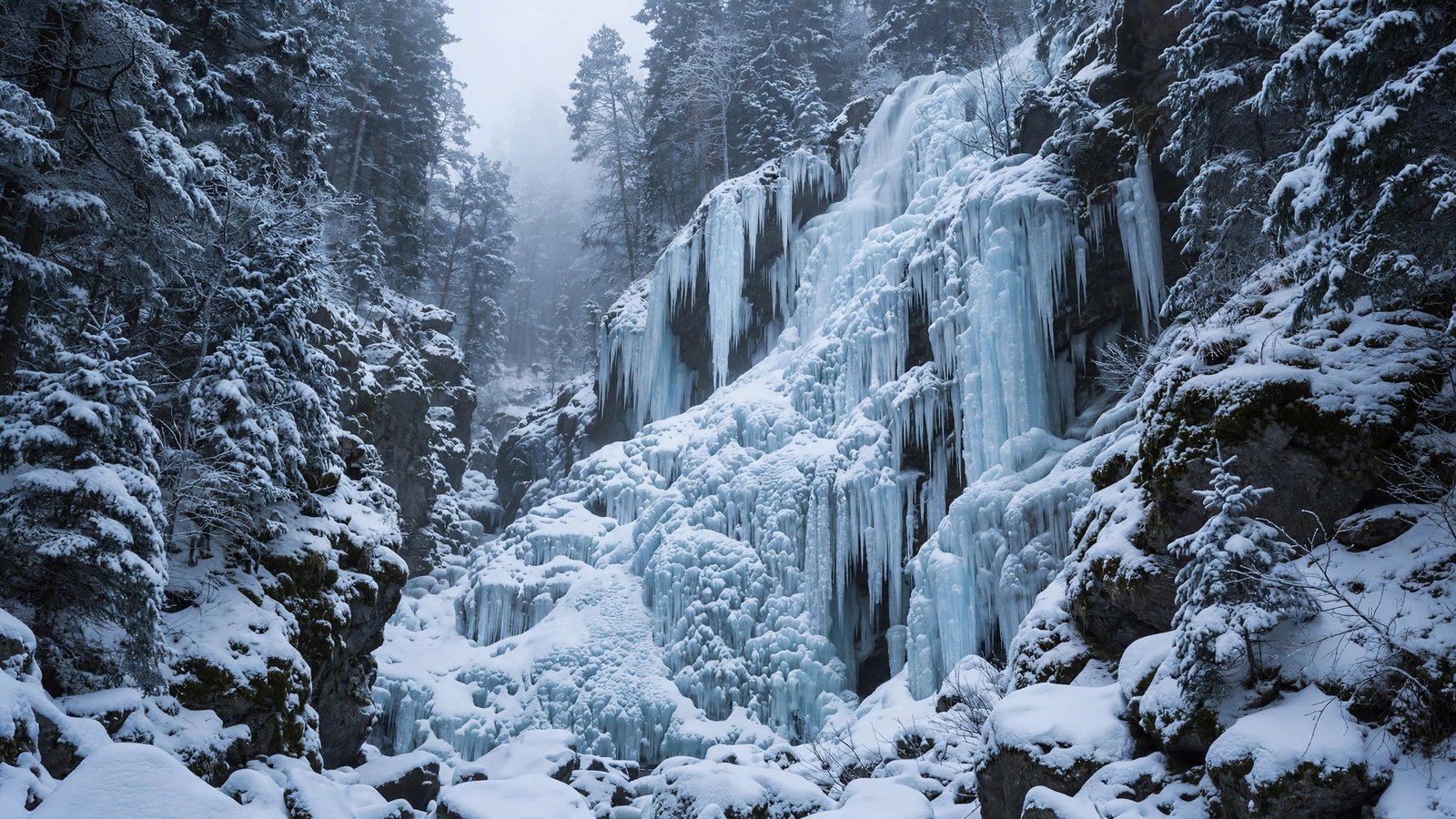
A frozen waterfall in a snowy forest gorge, icicles and ice formations, snow-covered rocks and pines all around. Dramatic and a little awe-inspiring — nature showing off, honestly. It shines on a big screen where the ice detail really shows.
9. Under the Aurora
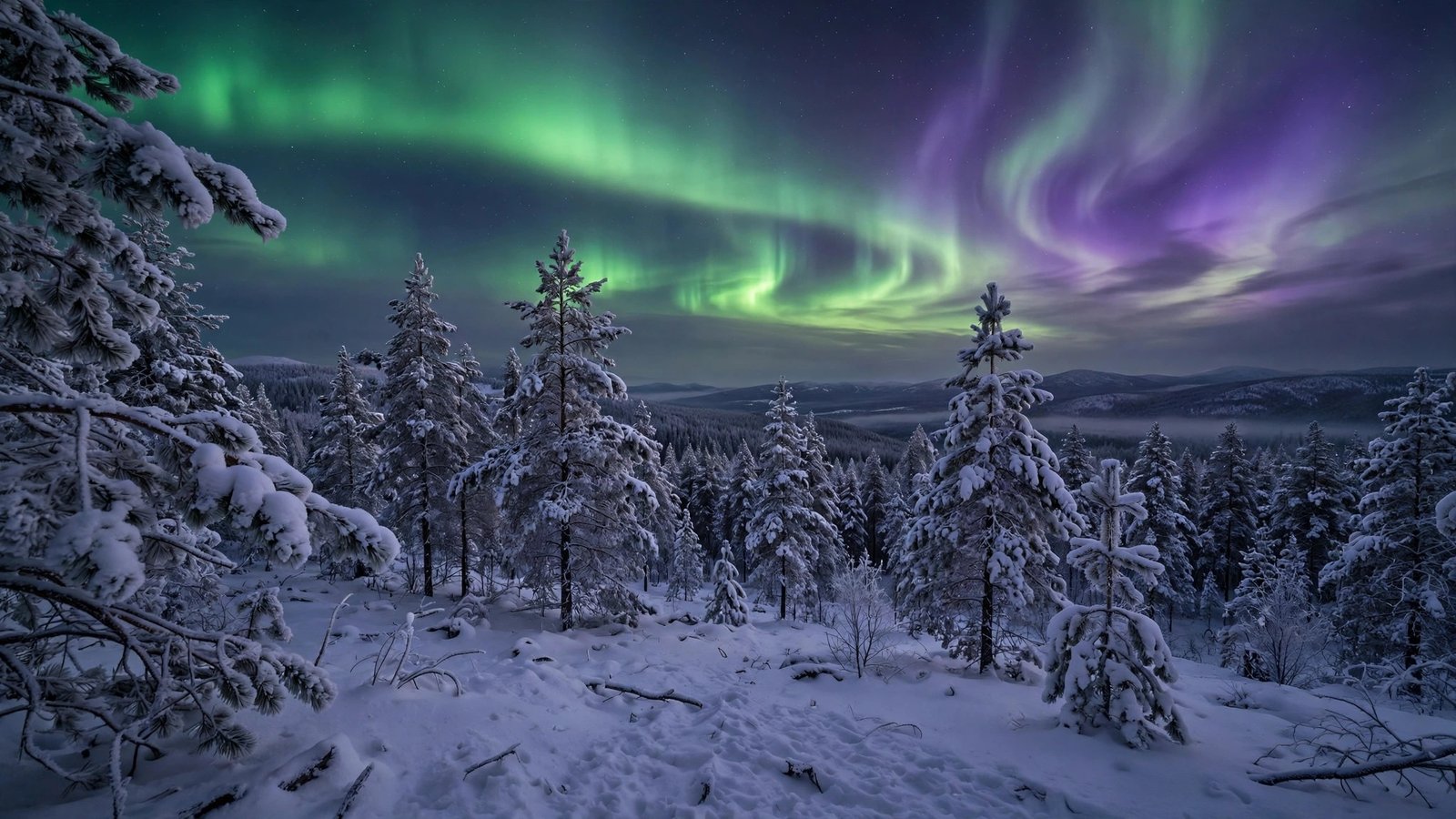
A snowy forest under the aurora borealis at night, green and purple northern lights rippling above snow-covered pines. The showstopper of the pack — the one people ask about when they see your desktop. Set it, and try not to stare at it instead of working.
10. The Red Cardinal
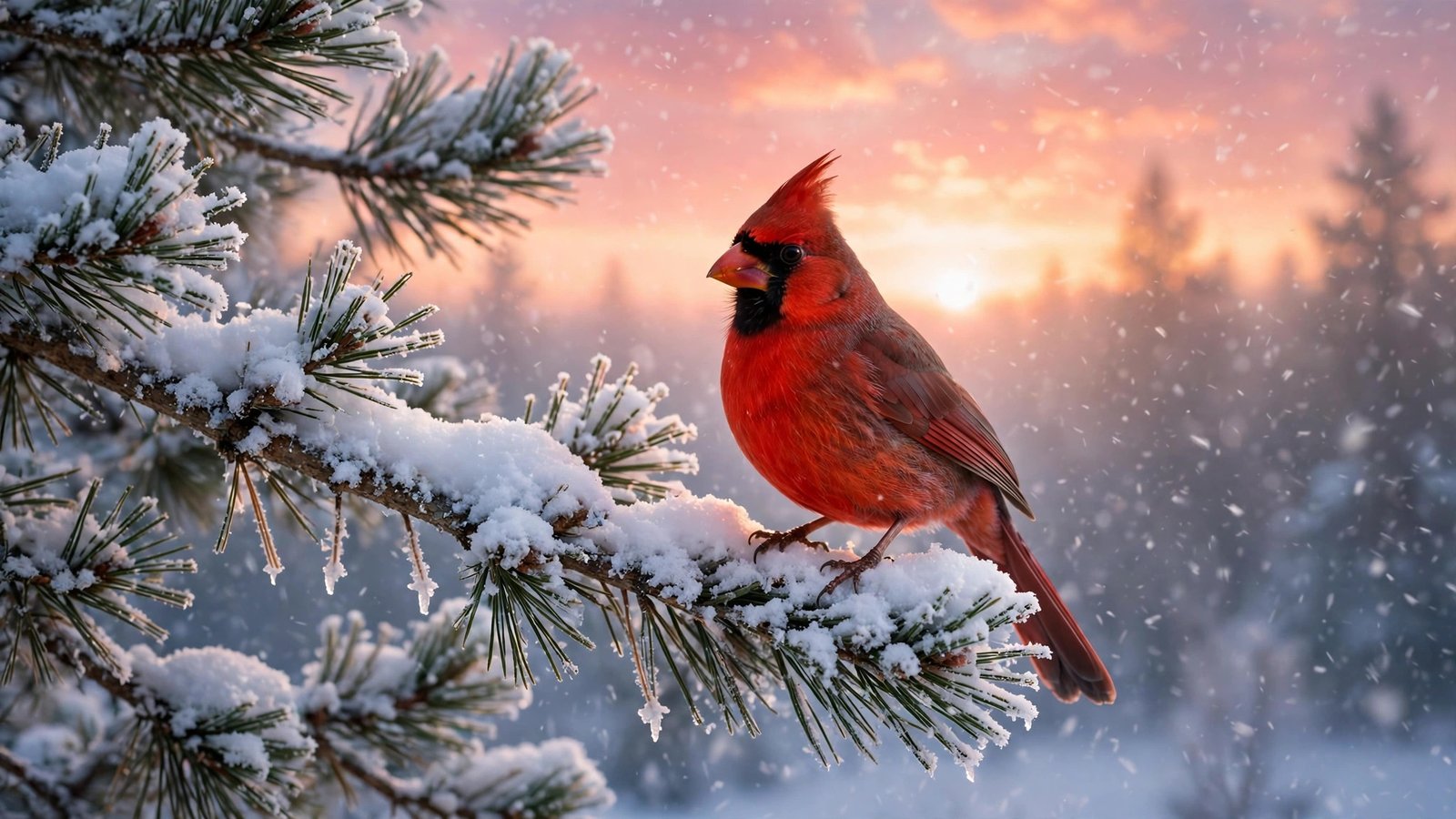
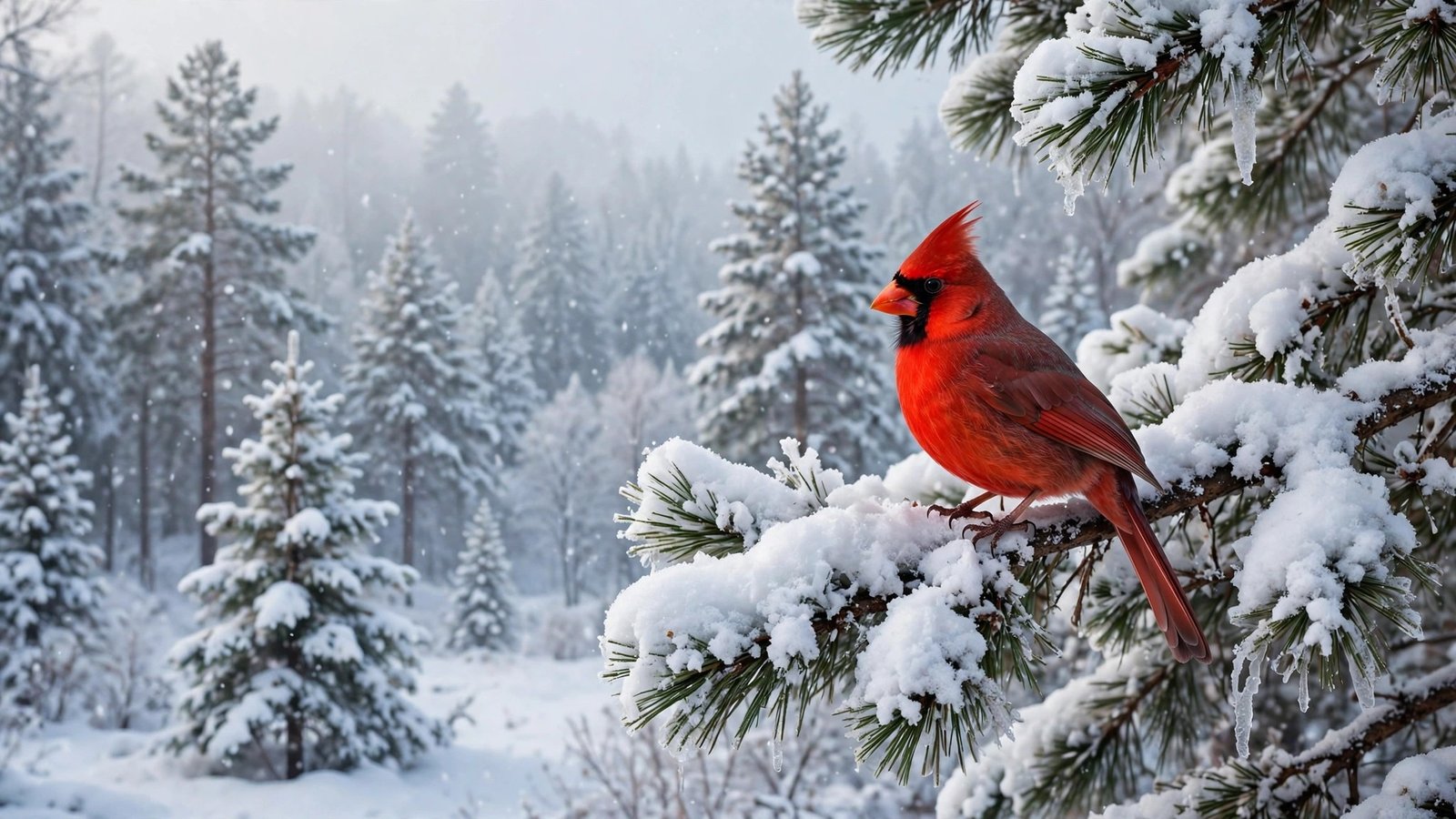
To end on a small burst of colour: a red cardinal bird perched on a snow-covered pine branch in the forest. That single splash of red against all that white is unforgettable — proof that winter is never completely quiet. A lovely, cheerful one for cold mornings.
How to Download
Click the Download button under any wallpaper above and the full-resolution JPG saves straight to your device. No account needed, no email required. Save as many as you like and rotate them through the season — that’s half the fun.
How to Set Your New Wallpaper
On Windows: Find the downloaded image, right-click it, and choose Set as desktop background. Or go to Settings → Personalization → Background → Browse photos.
On Mac: Open System Settings → Wallpaper, click Add Photo, and pick the file. macOS lets you choose Fill, Fit, or Stretch if the framing needs a tweak.
On Android: Open the image in your gallery app, tap the three-dot menu, and choose Set as wallpaper. Pick Home screen, Lock screen, or both.
On iPhone: Go to Settings → Wallpaper → Add New Wallpaper → Photos, then select the image. These are landscape desktop wallpapers, so expect some cropping — pinch to position the part you want.
Frequently Asked Questions
Are these snowy forest wallpapers really free?
Yes — every wallpaper in this pack is completely free to download and use as your personal desktop or phone background. No watermarks, no payment, no sign-up.
What resolution are the wallpapers?
Each image is high-definition landscape quality, sharp on Full HD and most larger monitors, as well as laptops.
Can I use these on my phone?
You can. They’re designed as landscape desktop backgrounds, so on a portrait phone screen they’ll be cropped — but the scenes are wide enough that cropping still looks good. Just position the crop on the part you like best.
Can I use them for commercial purposes?
These are shared for personal use only — decorating your own devices. Please don’t resell them, re-upload them as your own, or bundle them into paid products.
Wrapping Up
Ten wallpapers, zero cost, one very peaceful screen. Whether you go for the golden morning path, the aurora overhead, or the little red cardinal, there’s a forest here for every kind of winter mood. Download your favourites, set one tonight, and let your desktop feel like a quiet walk in the snow — even if it’s still warm outside.