The tree is the whole show. Lights, ornaments, presents piled underneath — every December, the Christmas tree becomes the center of the house, and honestly it deserves to be the center of your screen too. So here’s this year’s pack: 10 free Christmas tree wallpapers, all in crisp HD, all free to download. No watermarks, no sign-ups, no catch. Just pick the tree that feels like your kind of Christmas and hit download.
1. Grand Tree by the Fireplace
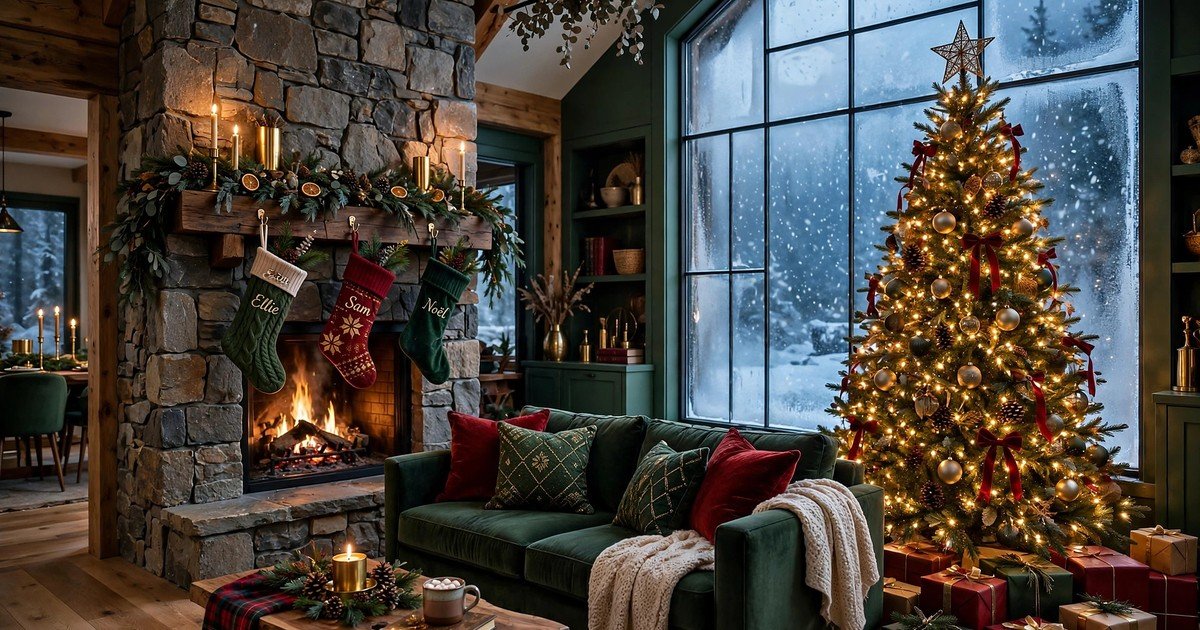
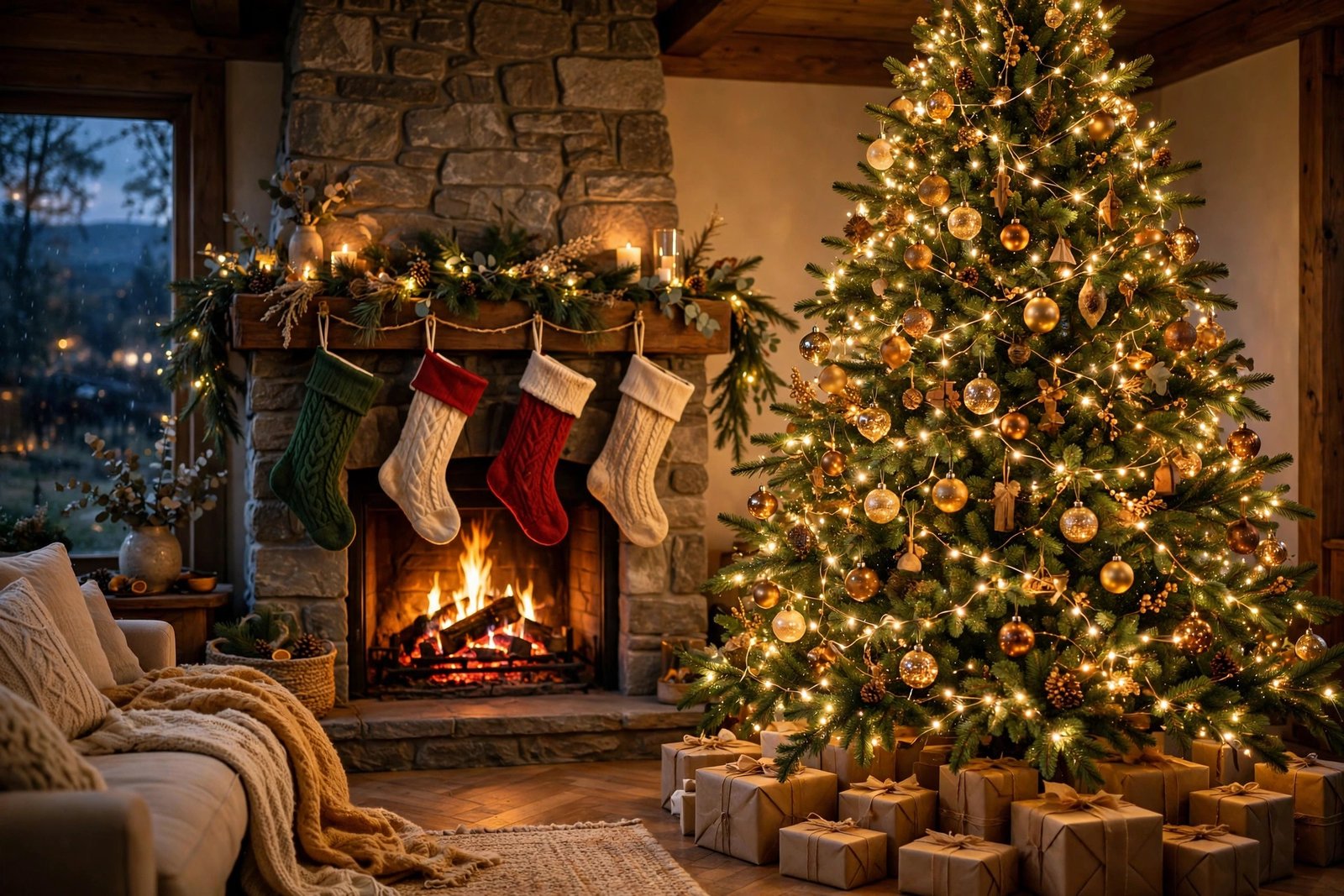
The classic, and honestly the strongest of the bunch. A towering Christmas tree dressed in warm gold and red, standing in a cozy living room with a stone fireplace crackling beside it. Stockings on the mantel, presents underneath, snow falling outside the window. If you only download one wallpaper from this list, make it this one.
2. Snowy Forest Tree Under the Aurora
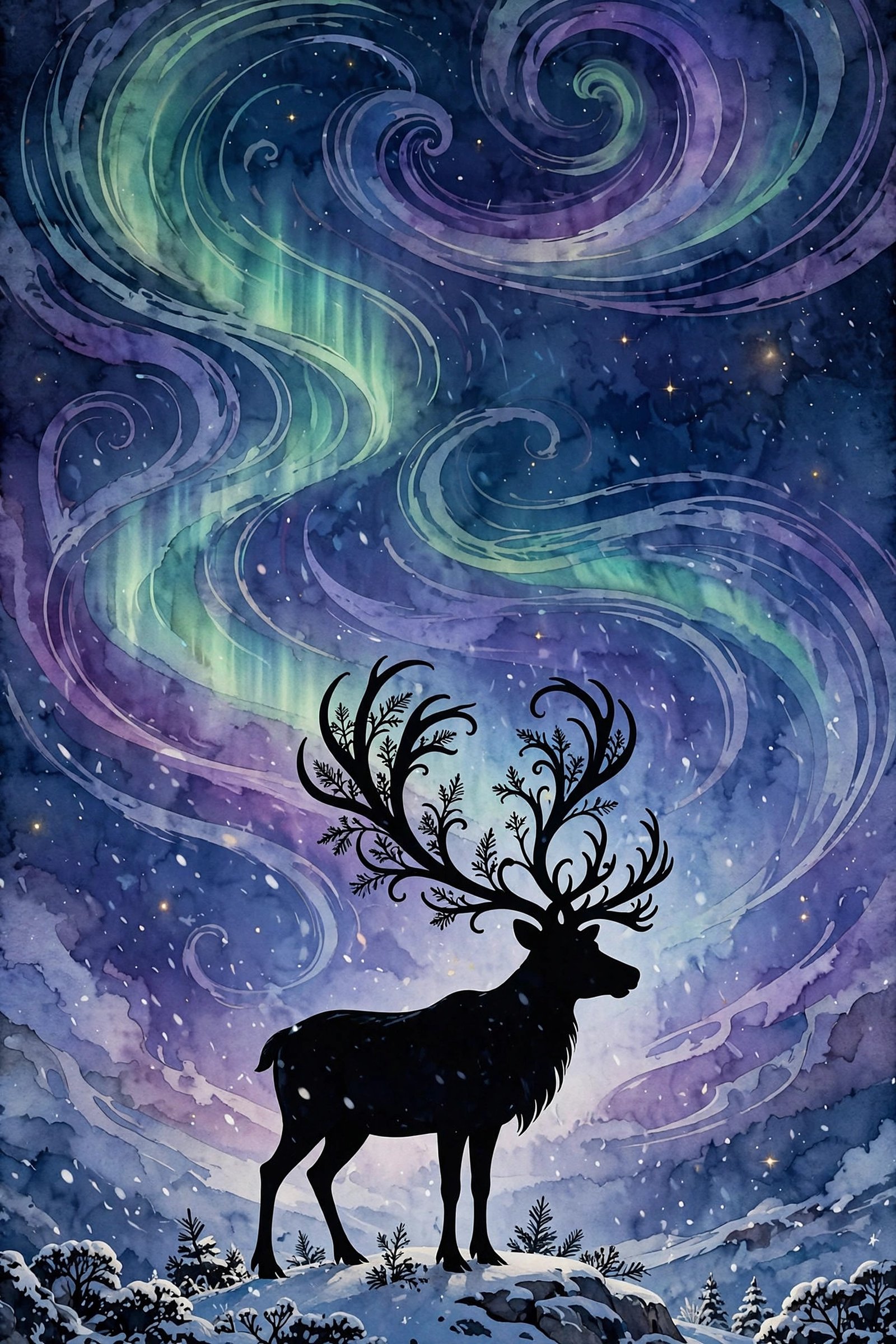
A single illuminated Christmas tree standing alone in a snowy pine forest at night, ribbons of aurora dancing green and violet overhead. Magical, cinematic, and quietly dramatic — this one looks incredible on larger monitors where the night sky really fills the frame.
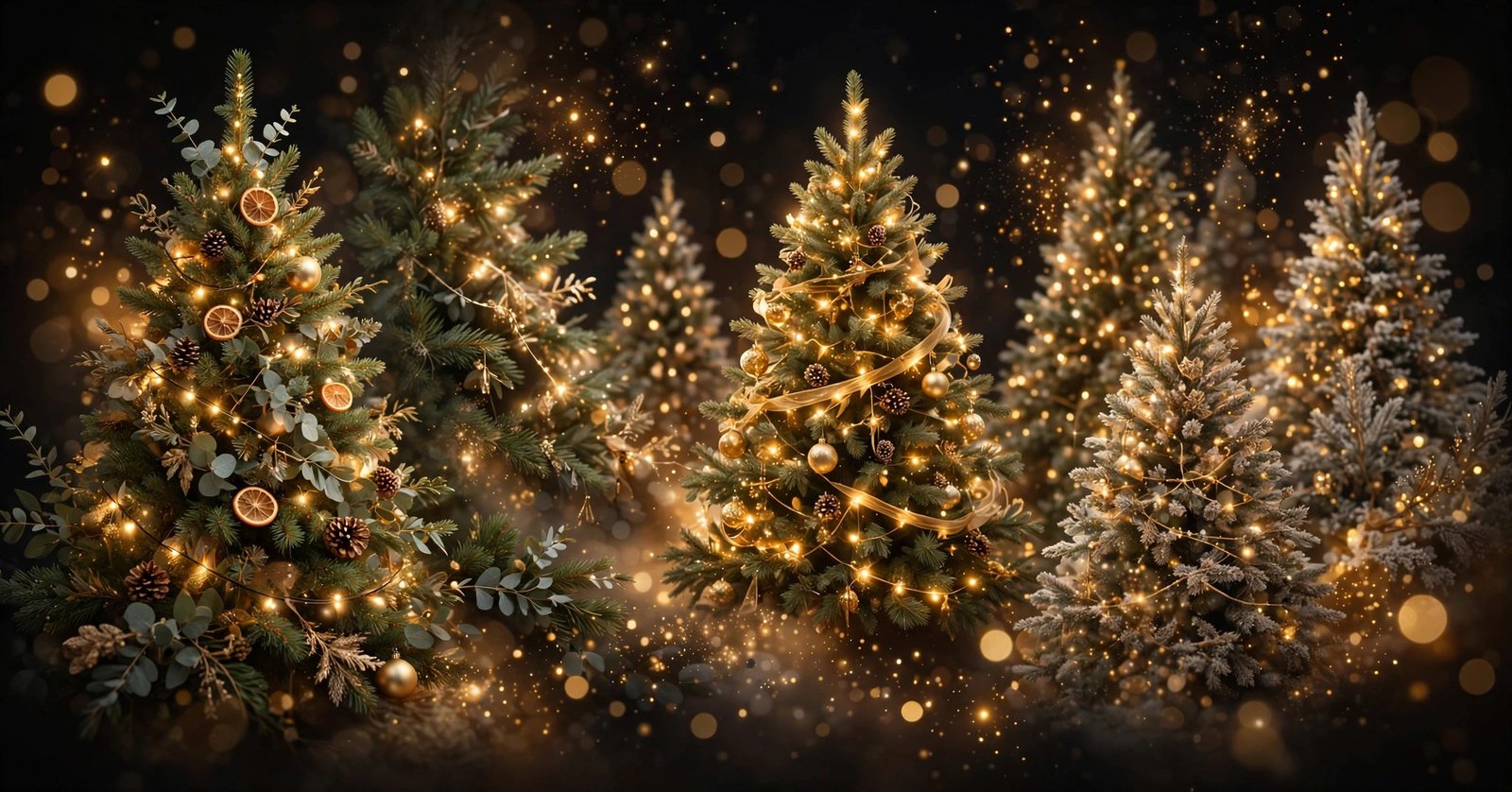
3. Ornament Close-Up
A macro shot of glowing baubles and fairy lights tangled in deep green branches, everything behind them melted into warm bokeh. Rich color, sharp detail up front. Great pick if you like wallpapers with texture and sparkle rather than whole scenes.
4. Village Square Tree at Dusk
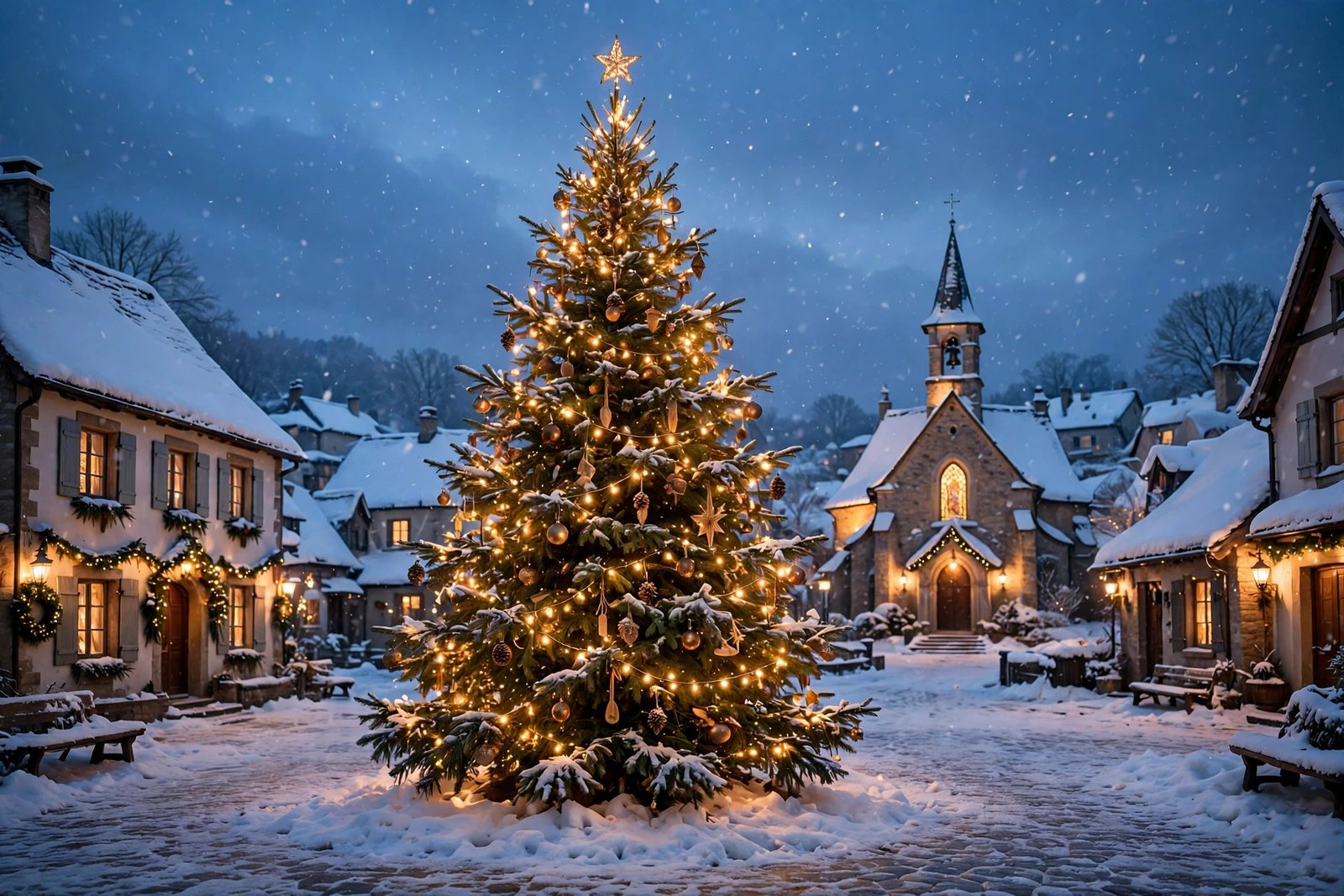
A giant decorated tree in the middle of a snowy European village square, stalls glowing around it, dusk settling into deep blue. It has that busy, happy, slightly cold-nosed energy of Christmas markets — festive without being chaotic on your desktop.
5. Scandinavian Minimalist Tree
For the clean-desktop crowd. A slim Scandinavian-style tree with white and gold decorations, simple and elegant against a soft neutral room. Understated, calm, and easy on the eyes — your icons will stay perfectly readable over it.
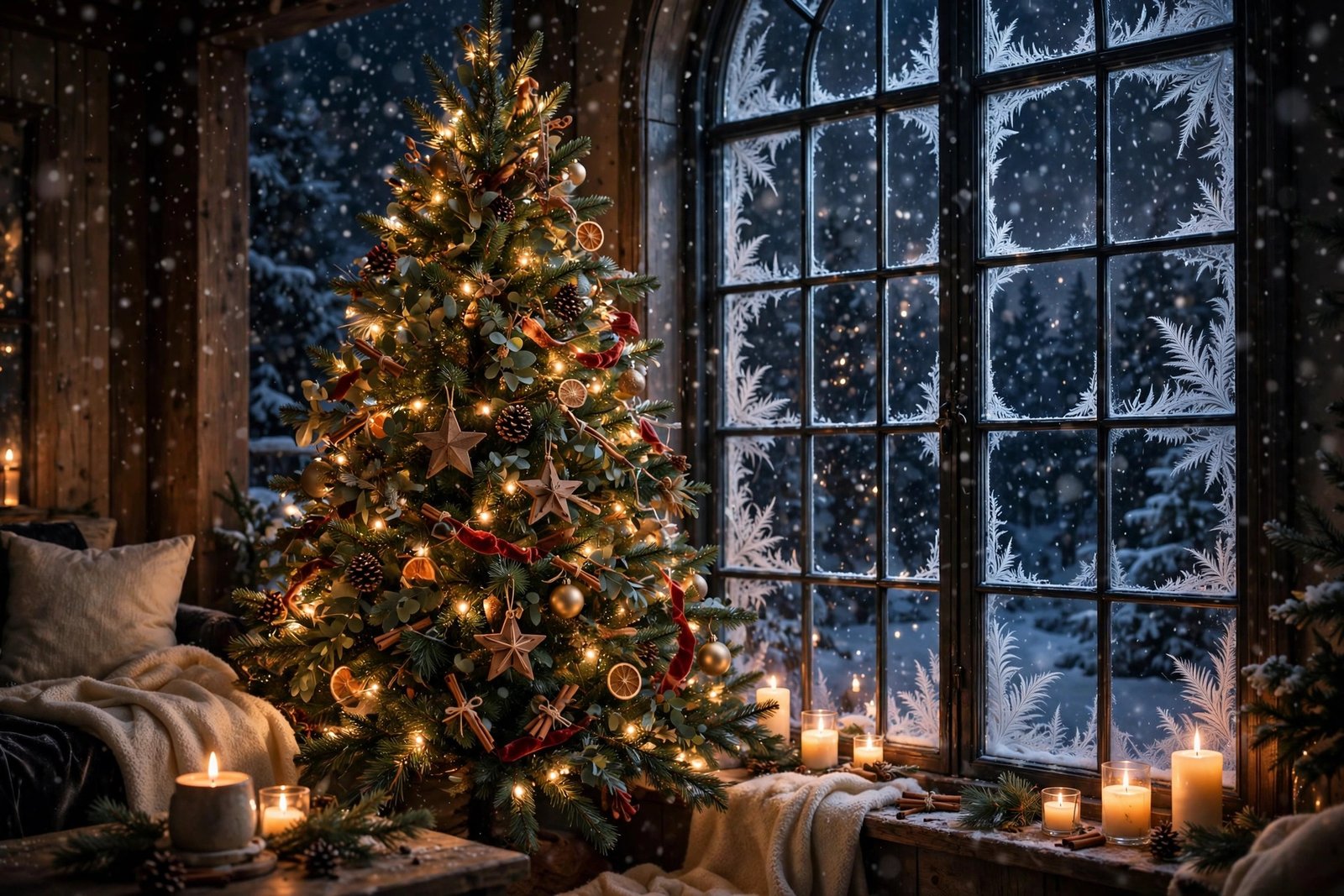
6. Tree by a Snowy Window
A Christmas tree beside a tall window with snow falling outside, warm candlelight glowing on the branches. Quiet, soft, hygge in wallpaper form. Lovely on a laptop you use curled up on the sofa in December.
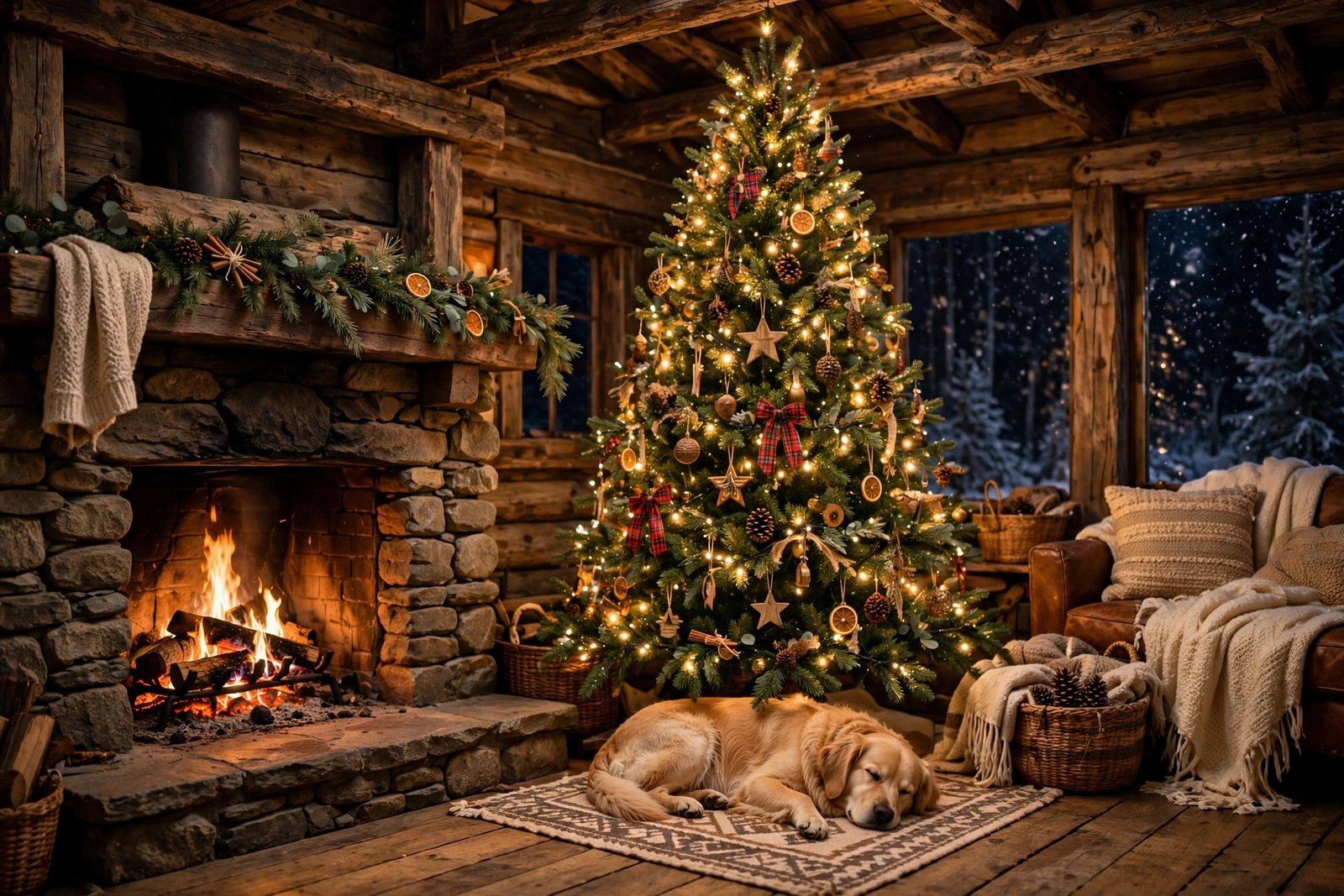
7. Rustic Cabin Tree
A tall decorated tree in a rustic log cabin living room, wooden beams overhead, a dog asleep on a rug beneath the presents. Warm, homey, and just a little bit storybook. The kind of wallpaper that makes a Monday inbox feel less Monday.
8. Blue and Silver Ice Tree
For the dark-mode crowd. An ice-blue and silver themed tree with sparkling crystal baubles, shot close so the frosty branches fill the frame. Elegant rather than cute, and beautiful on OLED screens where the deep tones really pop.
9. City Park Tree at Night
A Christmas tree glowing in a snowy city park at night, blurred city lights and skyscrapers behind it. Urban Christmas energy — perfect if your December is more downtown than countryside.
10. Tree With Presents, From Above
An overhead shot of a Christmas tree ringed with beautifully wrapped presents, ribbons and gold paper catching the light. Playful, bright, and full of anticipation — the “Christmas morning, five minutes before the chaos” feeling, frozen in place.
How to Download
It’s simple: click the Download button under any wallpaper above and the full-resolution JPG saves straight to your device. No account needed, no email required. Save as many as you like and rotate them through the season — that’s half the fun.
How to Set Your New Wallpaper
On Windows: Find the downloaded image, right-click it, and choose Set as desktop background. Or go to Settings → Personalization → Background → Browse photos.
On Mac: Open System Settings → Wallpaper, click Add Photo, and pick the file. macOS lets you choose Fill, Fit, or Stretch if the framing needs a tweak.
On Android: Open the image in your gallery app, tap the three-dot menu, and choose Set as wallpaper. Pick Home screen, Lock screen, or both.
On iPhone: Go to Settings → Wallpaper → Add New Wallpaper → Photos, then select the image. These are landscape desktop wallpapers, so expect some cropping — pinch to position the part you want.
Frequently Asked Questions
Are these Christmas tree wallpapers really free?
Yes — every wallpaper in this pack is completely free to download and use as your personal desktop or phone background. No watermarks, no payment, no sign-up.
What resolution are the wallpapers?
Each image is 3840 × 2560 pixels — proper HD quality that looks sharp on Full HD and most larger monitors, as well as laptops.
Can I use these on my phone?
You can. They’re designed as landscape desktop backgrounds, so on a portrait phone screen they’ll be cropped — but the scenes are wide enough that cropping still looks good. Just position the crop on the part you like best.
Can I use them for commercial purposes?
These are shared for personal use only — decorating your own devices. Please don’t resell them, re-upload them as your own, or bundle them into paid products.
Will they fit an ultrawide monitor?
The images are 3:2 aspect ratio. On ultrawide screens, use the Fill or Fit option in your wallpaper settings; Fill crops the edges slightly, Fit shows the whole image with small borders.
Wrapping Up
Ten trees, zero cost, one very festive screen. Whether you go for the grand fireplace classic, the aurora-lit forest, or the cool elegance of the ice-blue tree, there’s something in this pack for every kind of December mood. Download your favorites, set one tonight, and enjoy the season.