There’s a specific hour in December that I think about every year. Dinner’s over, the dishes are — let’s be honest — sitting in the sink until morning, and the whole house has gone soft around the edges. The tree lights are on. Maybe there’s something in the oven. That hour deserves its own wallpaper, don’t you think?
That’s what this third pack is all about: 10 free Christmas wallpapers for the cozy-night people. Warm kitchens, candlelight, gingerbread, and a couple of snowy escapes for when you want to dream a little. All in crisp HD, all free to download, no watermarks, no sign-ups, no nonsense.
1. Star Cookie Baking Morning

Flour everywhere — on the table, on somebody’s sleeve, probably on the dog. Two hands pressing a star-shaped cutter into rolled-out dough, with sprinkles, a jar of honey, and a wooden rolling pin scattered around the edges. It smells like brown sugar just looking at it. If your December involves baking (or just wishing you baked more), start here.
2. Noël Candlelit Dinner Table
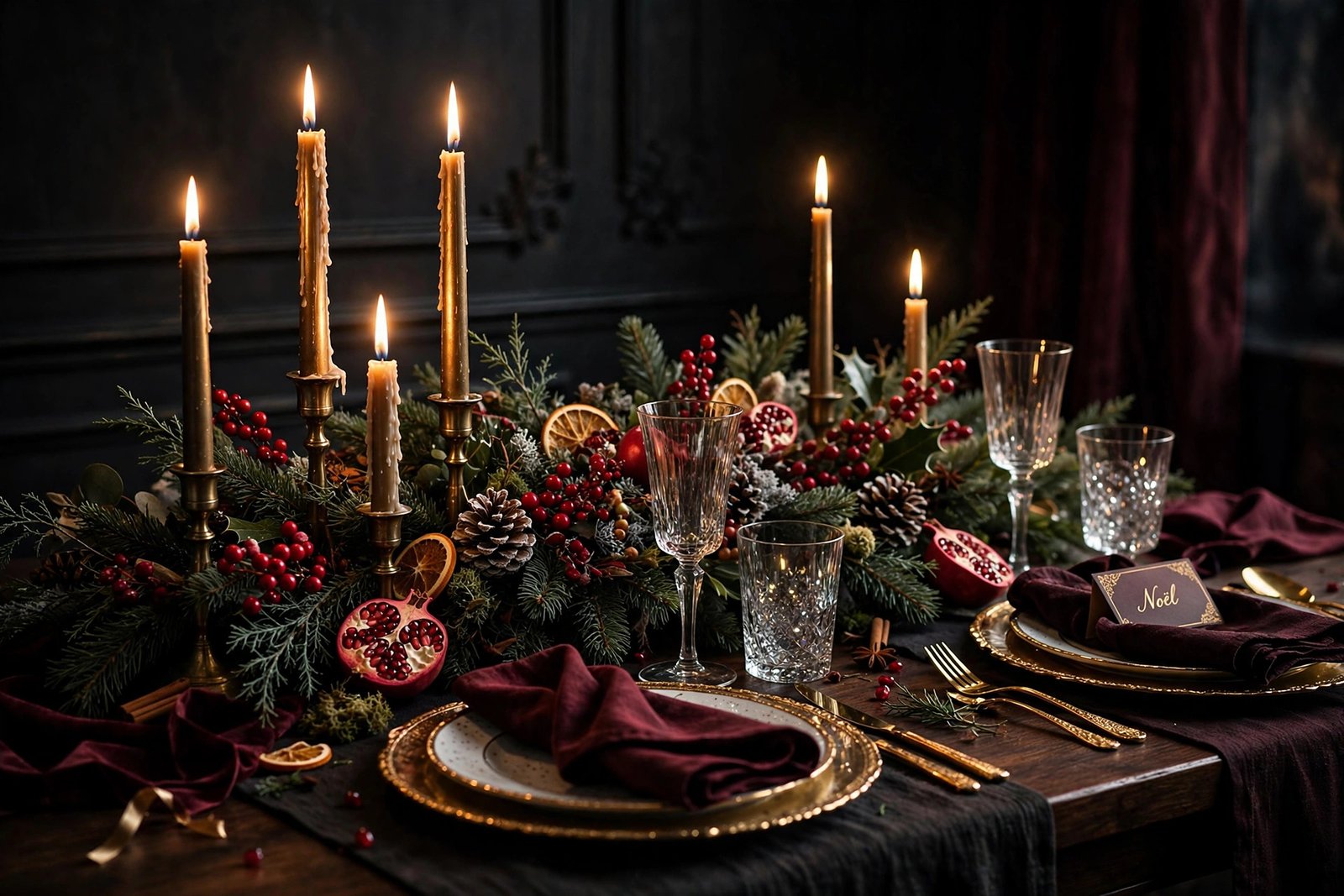
This one is pure atmosphere. Tall taper candles dripping wax in brass holders, a garland of pine and red berries running down the table, pomegranate halves, dried orange slices, gold-rimmed plates, and a little “Noël” place card waiting for someone. Dark and moody in the best way — honestly, it makes an ordinary Tuesday evening feel like Christmas Eve.
3. Santa Hat & Candy Canes Flat Lay

Sometimes simple wins. A plush red Santa hat in the middle of a clean white background, ringed with candy canes, tiny wrapped gifts, and red, gold, and silver baubles. Lots of breathing room in the middle, which means your desktop icons won’t fight the design. Cheerful without being loud.
4. Snowflake on Midnight Blue
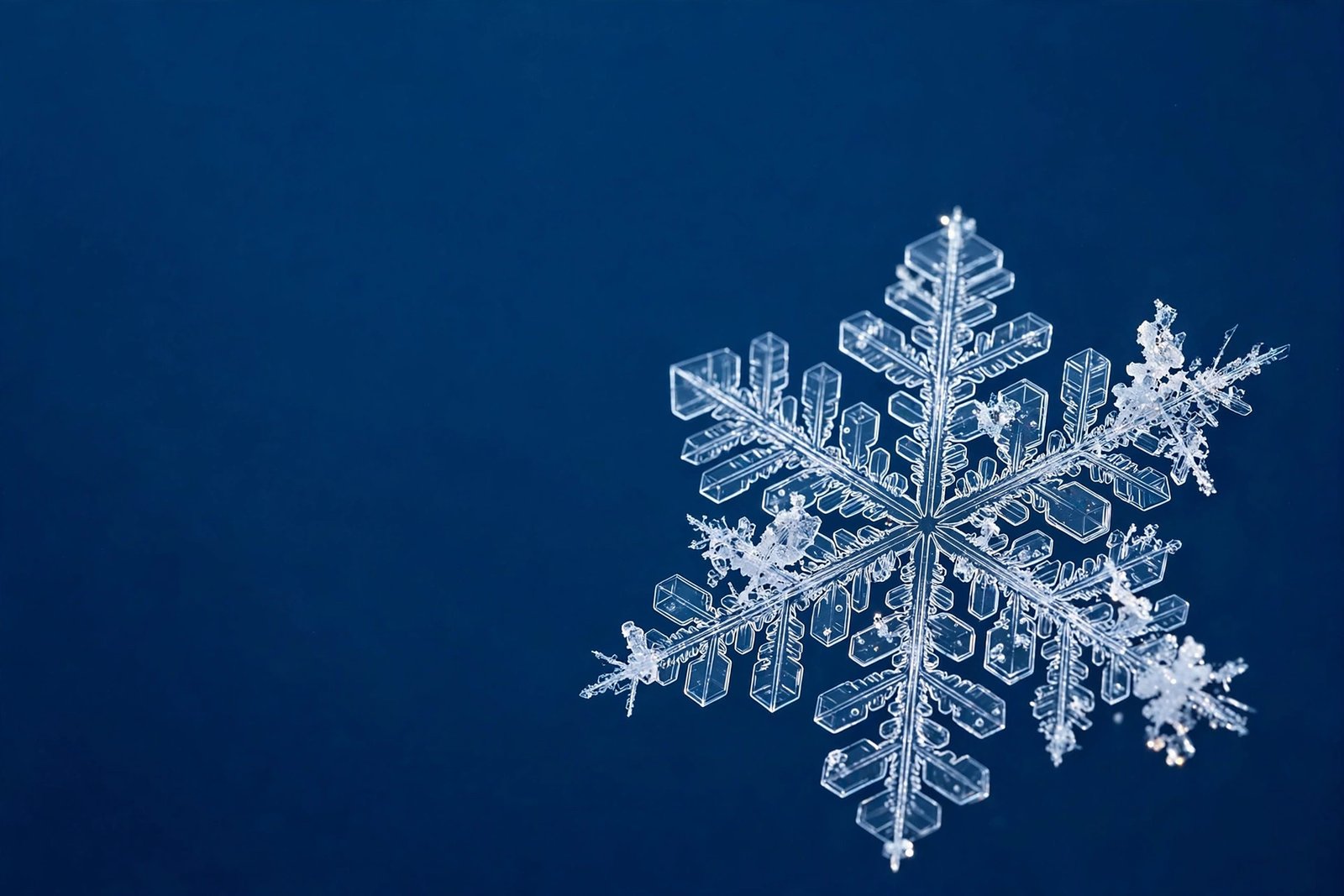
A single snowflake, photographed so close you can see every branch of the crystal, floating on deep navy blue. It’s the quietest wallpaper in this pack and maybe my favorite for that reason. Minimal, elegant, and oddly calming to stare at during a long workday. The dark background is also genuinely easy on the eyes.
5. Midnight Champagne Toast

Five hands, five champagne glasses, caught mid-clink from above — with sparklers going off and gold confetti drifting down over a black background. This is New Year’s Eve energy in wallpaper form. Save this one for the last week of December, when the whole month starts feeling like one long celebration.
6. Cozy December Planning Desk

For the list-makers. A blank wall calendar pinned above an open journal full of little hand-drawn doodles, a proper mug of coffee, dried orange slices, and eucalyptus sprigs on a white desk. There’s something about December that makes everyone want to get organized — new year and all that. This wallpaper gets it.
7. Golden Wreath on the Front Door

A lush wreath — red berries, pinecones, frosted greenery — tied with a big gold bow, hanging on a dark wooden door. A lantern glows beside it, snow dusts the stone steps, and you can just make out the house number: 17. It has that “coming home” feeling. The kind of door you want to walk through with cold hands and shopping bags.
8. Golden Fairy Lights Bokeh

A diagonal sweep of warm fairy lights dissolving into soft golden bokeh on a deep brown background. No tree, no ornaments, no story — just light. This is the wallpaper equivalent of a deep breath. It works beautifully behind a messy desktop because there’s nothing for your icons to clash with.
9. Gingerbread House Close-Up
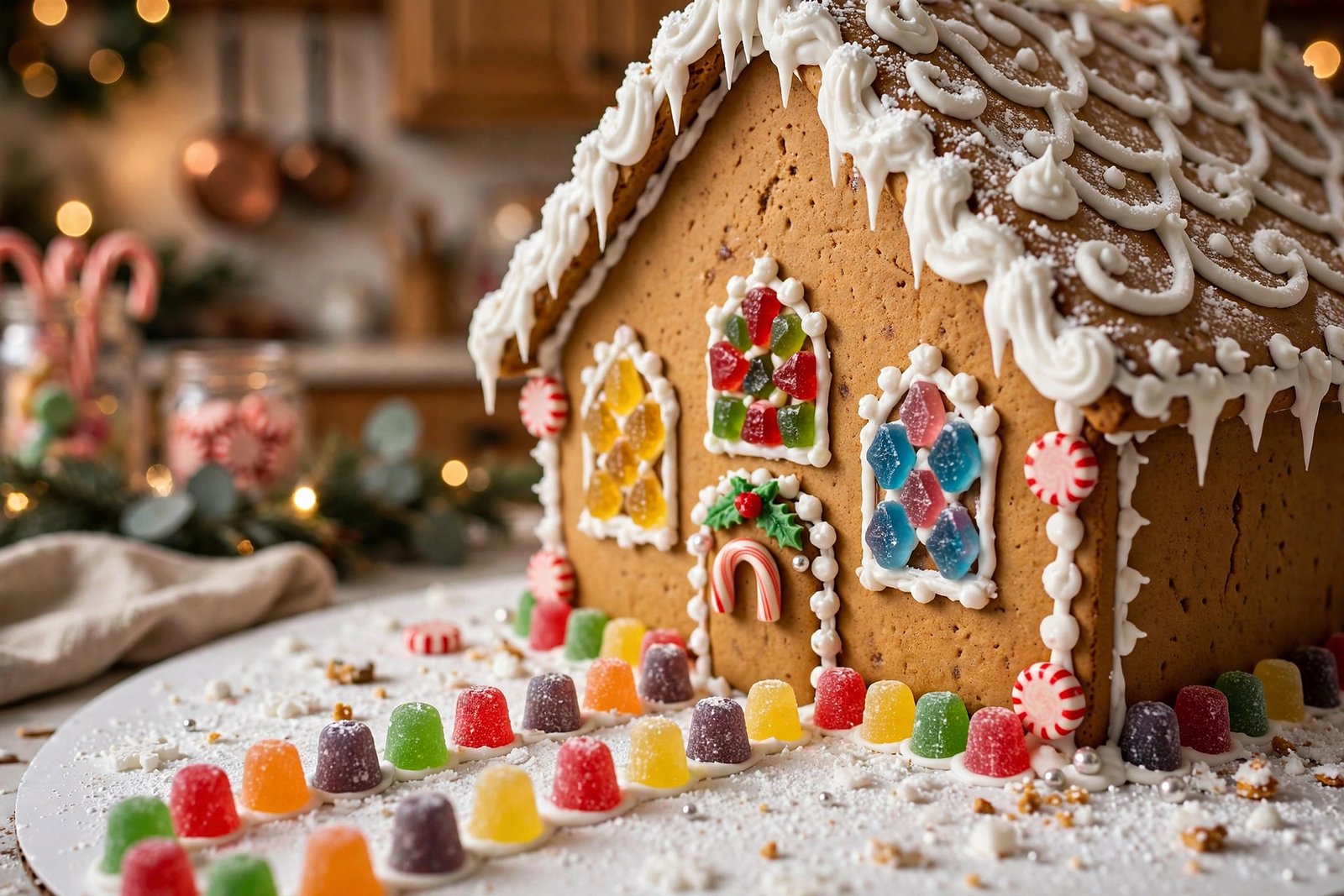
Get close — really close — to a gingerbread house with gumdrop windows, dripping white icing, peppermint wheels, and a winding path of colorful gumdrops leading to a candy-cane door. You can practically taste the ginger and sugar. Kids go wild for this one, but I’ll admit I’ve had it on my own screen for a full week before.
10. Alpine Village Christmas Night
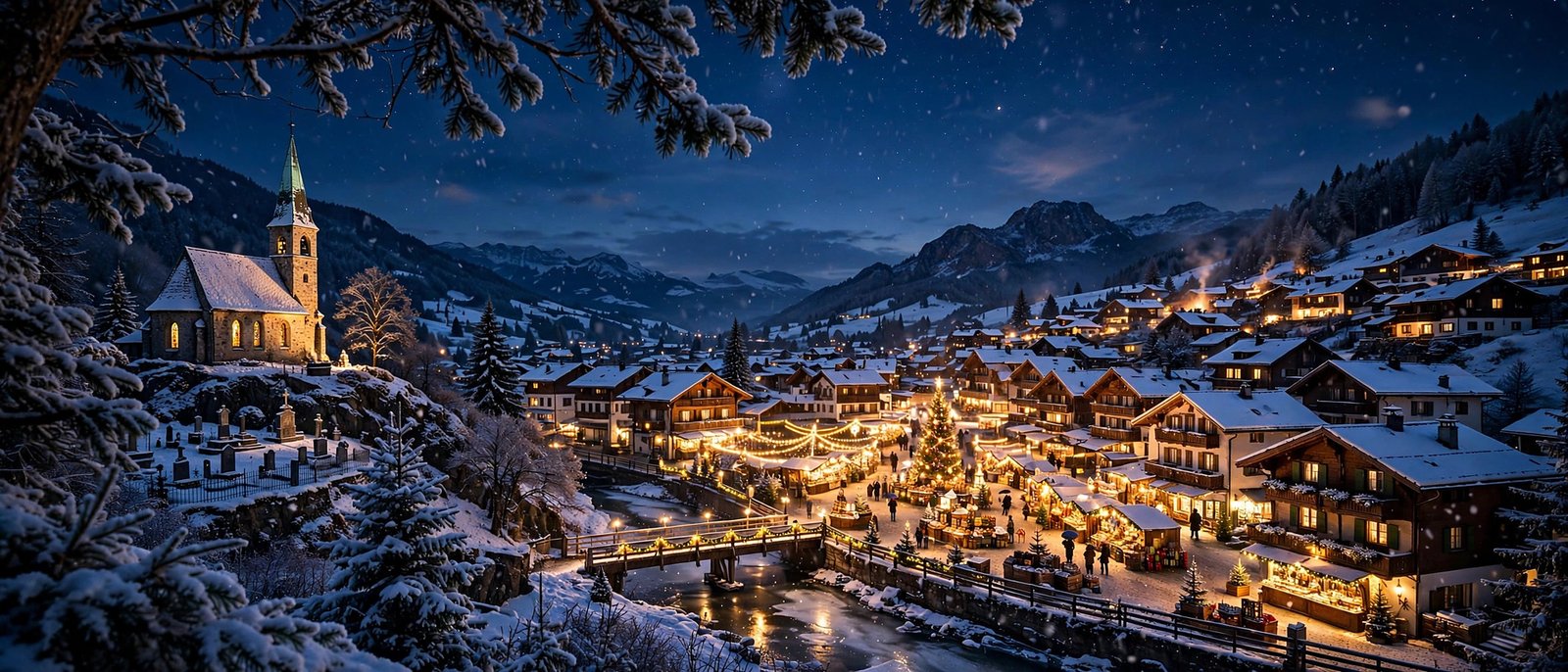
And we end with the dream. A snow-covered alpine village at night: a little stone church glowing on the hill, chalets with lit windows, a Christmas market strung with lights along the river, and mountains rising behind it all under falling snow. If you could bottle “Christmas” and pour it over a screen, it would look like this.
How to Download
Click the Download button under any wallpaper above and the full-resolution JPG saves straight to your device. No account, no email, no waiting room. Grab one or grab all ten — rotating them through December is honestly the best way to enjoy the pack.
How to Set Your New Wallpaper
On Windows: Right-click the downloaded image and choose Set as desktop background. For the darker wallpapers (the snowflake, the fairy lights), try Settings → Personalization → Colors → Dark mode too — they pair beautifully.
On Mac: System Settings → Wallpaper → Add Photo, then pick the file. The wide village and dinner-table scenes look especially good with the Fill option on larger displays.
On Android: Open the image in your gallery, tap the menu, and choose Set as wallpaper. The flat-lay and bokeh designs survive cropping really well on portrait screens.
On iPhone: Settings → Wallpaper → Add New Wallpaper → Photos. Pinch to frame your favorite part — the wreath and the gingerbread house both have strong center subjects that sit nicely behind the clock.
Pro tip: On Windows 11 and macOS you can select several images at once and set them as a rotating slideshow. Ten wallpapers, changing every day? That’s December sorted.
Frequently Asked Questions
Are these wallpapers really free?
Yes. Every wallpaper in this collection is free to download and use as a personal background on your own devices. No watermarks, no payment walls, no email sign-up.
What are the image dimensions?
Each wallpaper is 3840 × 2560 pixels — sharp on Full HD screens, most laptops, and larger desktop monitors.
Are these photographs or digital art?
A mix. This collection includes photographic-style scenes and crafted digital artwork, all created for this wallpaper series and sized for desktop use.
Can I use them on my phone’s lock screen?
Absolutely. They’re landscape-oriented, so there’ll be some cropping on phones, but the compositions are wide enough that the important parts survive. The Santa hat flat lay and the snowflake are particularly phone-friendly.
Do dark wallpapers really help with battery life?
On phones and laptops with OLED screens, yes — dark pixels use less power, so the snowflake and fairy-lights wallpapers can genuinely sip a little less battery. On regular LCD screens it makes no difference, but they still look great.
Can I share these with friends or family?
Please do — just send them a link to this page rather than re-uploading the files elsewhere. That way everyone gets the full-quality originals.
How is this pack different from Parts 1 and 2?
Part 1 was the classic Christmas starter set, Part 2 leaned bright and festive, and this one — Part 3 — is all about cozy nights: warm light, kitchens, candles, and quiet snowy scenes. Collect all three if you like rotating through the season.
Wrapping Up
Ten new wallpapers, ten little slices of December after dark. Whether you’re a cookie-baking romantic, a candlelight devotee, or someone who just wants a snowy village glowing behind their spreadsheets, there’s something here with your name on it. Download your favorites, set one tonight, and let the cozy season do the rest. Merry Christmas!