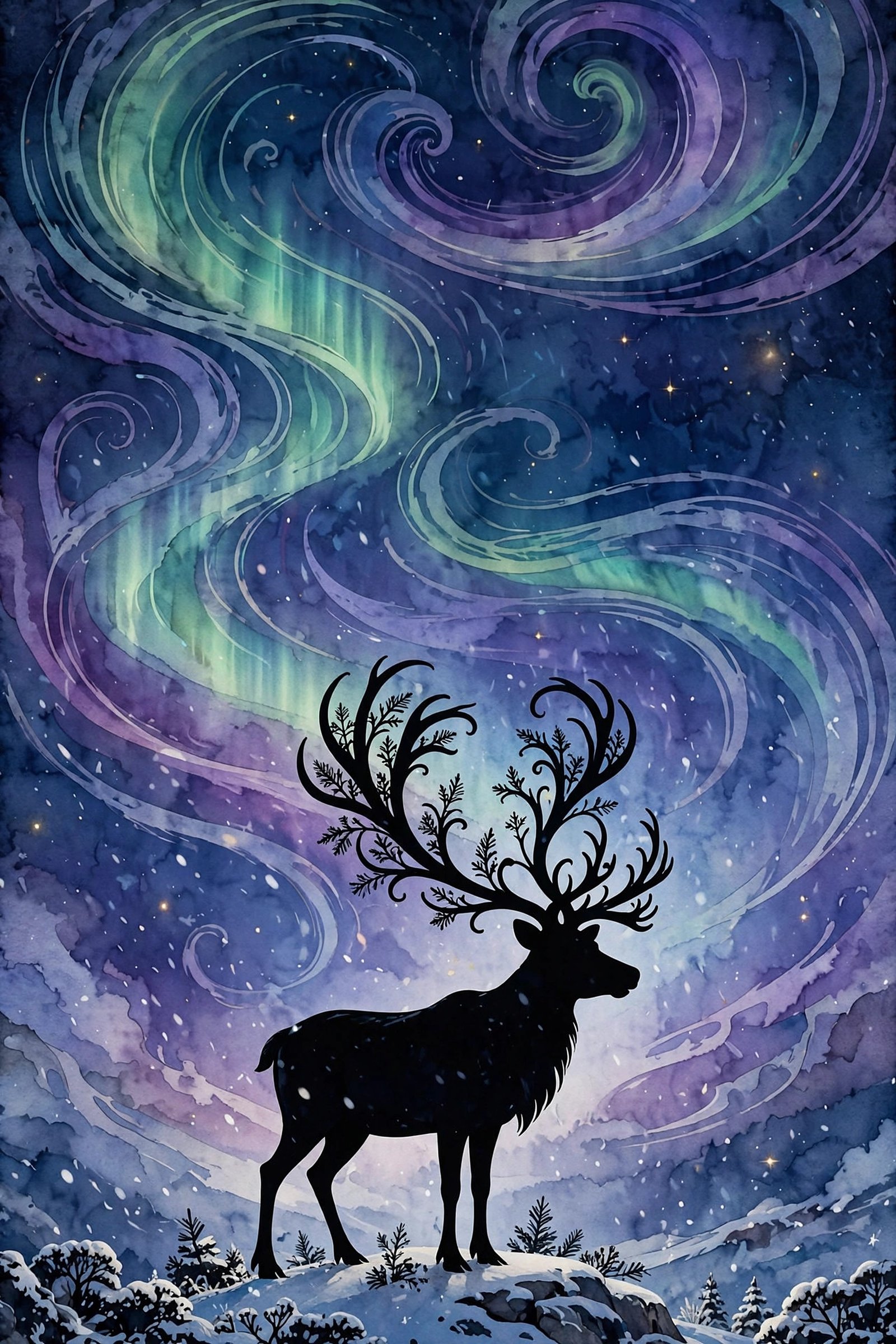
There’s something about a Christmas wreath that just works. It’s the oldest decoration in the book — a circle of green on a door, saying welcome before anyone knocks — and yet it never feels old-fashioned. Maybe that’s because every wreath is a little different: some are full and traditional with a big red bow, some are quiet and modern with a sprig of eucalyptus, and some glow like they’ve been dipped in fairy lights.
So this pack is all wreaths, ten ways. 10 free beautiful Christmas wreath wallpapers, all in HD, all free to download. No watermarks, no sign-ups, no catch. Just pick the one that feels like your kind of December and set it.
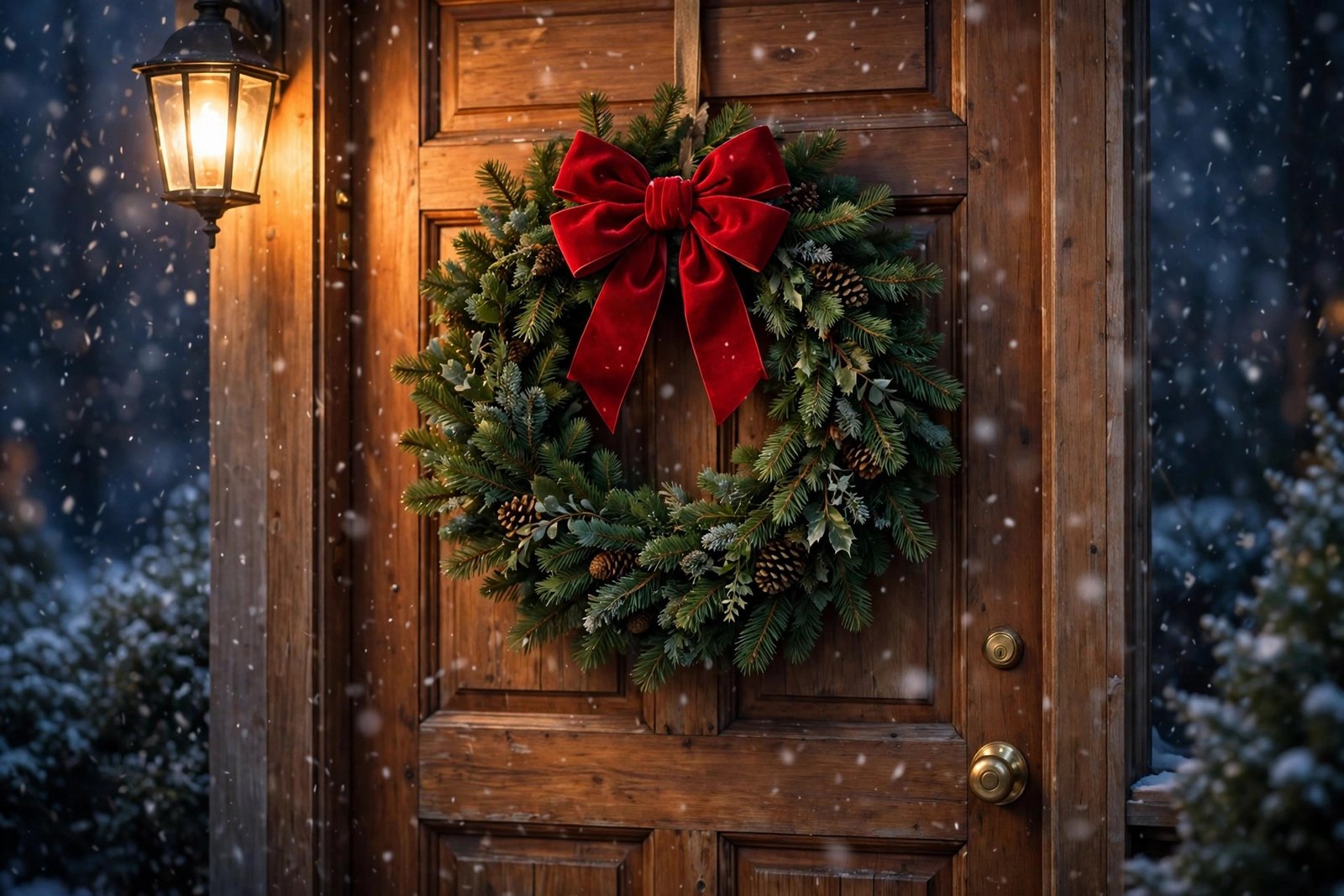
1. The Classic Red Bow
A lush green pine wreath with a big red velvet bow, hanging on a warm wooden front door while snowflakes drift past the porch light. This is the wreath most of us grew up with — the one that says Christmas before you’ve even stepped inside. If you only download one wallpaper from this pack, make it this one.
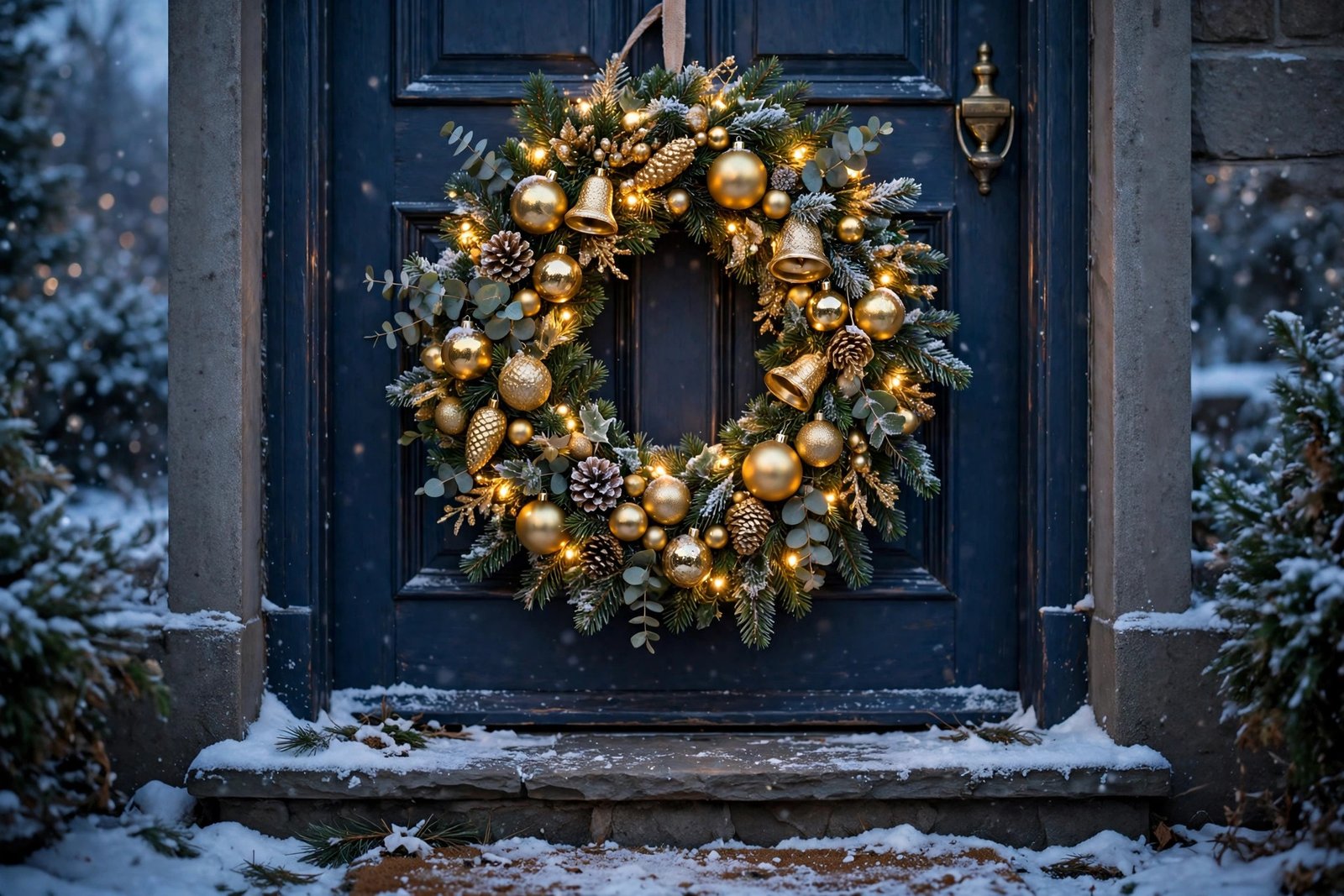
2. Gold and Fairy Lights
Gold ornaments and warm fairy lights woven through a full pine wreath on a snowy front door, the snow dusting the doorstep below. It sparkles without shouting about it — elegant, a little bit fancy, and gorgeous on a dark desktop where the lights really pop.
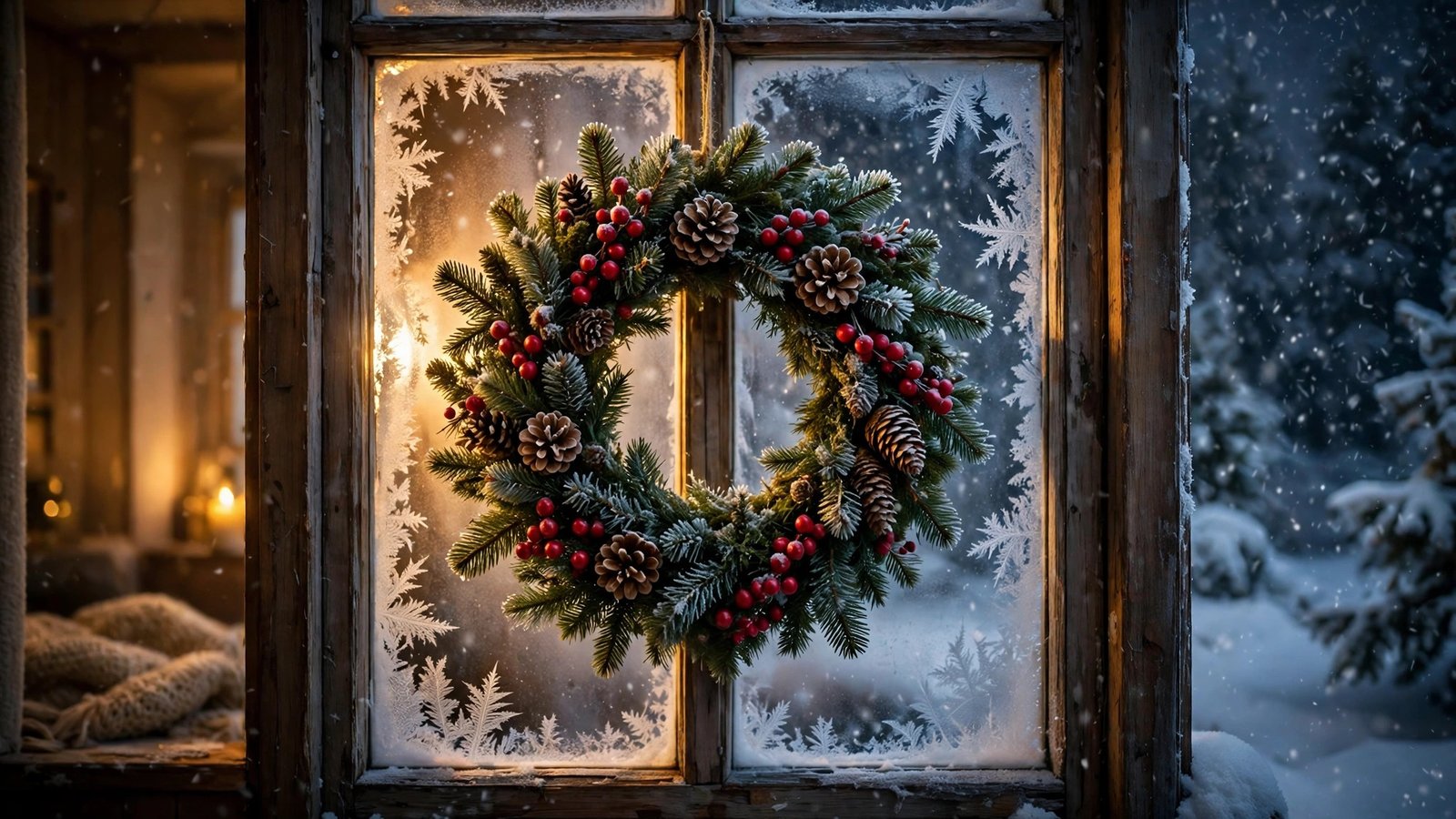
3. The Frosted Window
A wreath of red berries and pinecones hanging in a frosted window, heavy snow falling outside while warm golden light glows from within. It’s the view from the warm side of winter — cozy, quiet, and honestly the most peaceful image in the whole pack.
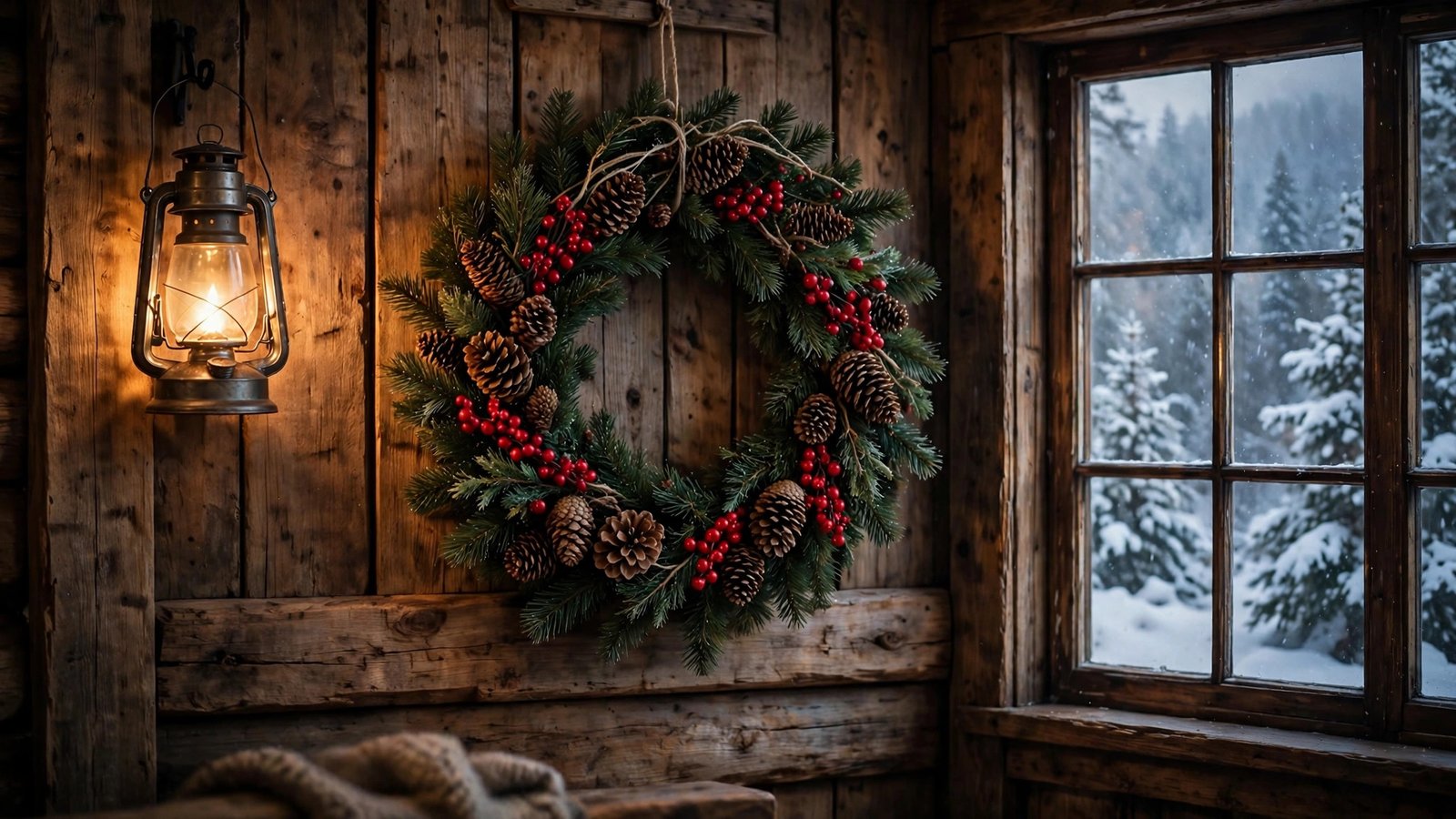
4. The Rustic Cabin Wreath
Pine branches, pinecones, and red berries on a wooden cabin wall, lantern light flickering nearby and a snowy forest beyond the window. This one is for anyone whose ideal December involves getting snowed in somewhere quiet with a fire going and nowhere to be.
5. White and Gold Over the Mantel
An elegant white-and-gold wreath — frosted pine, golden baubles, a touch of shimmer — hanging over a fireplace mantel with stockings nearby and firelight glowing below. It’s the most grown-up wreath in the pack, and it looks absolutely lovely on a big monitor.

6. Oranges and Cinnamon
Dried orange slices, cinnamon sticks, star anise, and pinecones in a wreath that smells like Christmas even through a screen. Warm, rustic, and a little bit homemade — the kind of wreath that belongs in a kitchen where something is always baking.

7. Berries and Bokeh
A close-up of a lush green wreath with bright red berries, soft golden fairy lights melting into bokeh behind it. Rich color, sharp detail up front. If you like your wallpapers bold and your desktop a little bit joyful, this is the one.

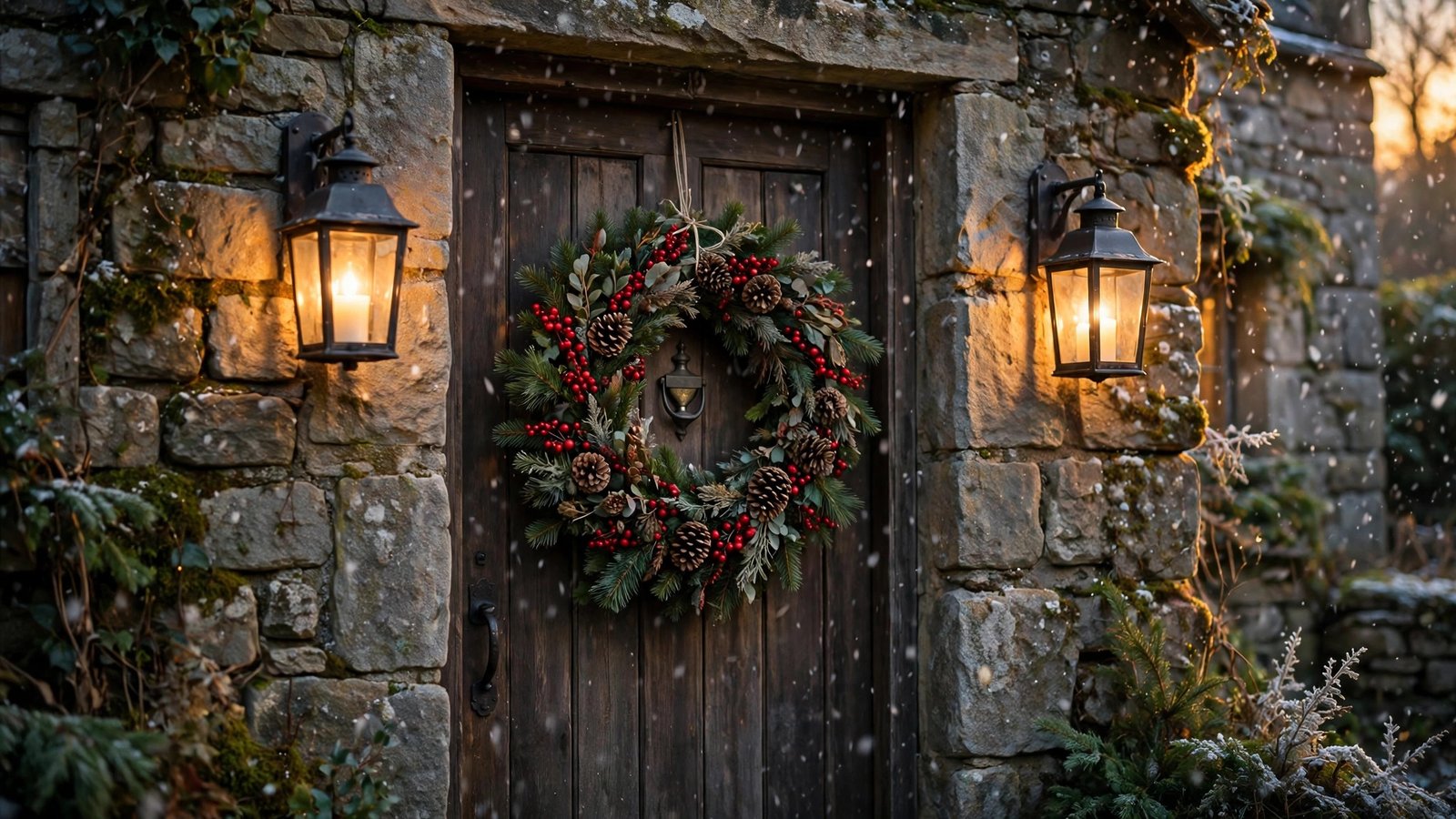
8. The Stone Cottage Door
A berry-and-pinecone wreath on a stone cottage door, glowing lanterns on either side, light snow falling in the evening light. It has that storybook feeling — the kind of door you’d half expect Father Christmas himself to knock on.
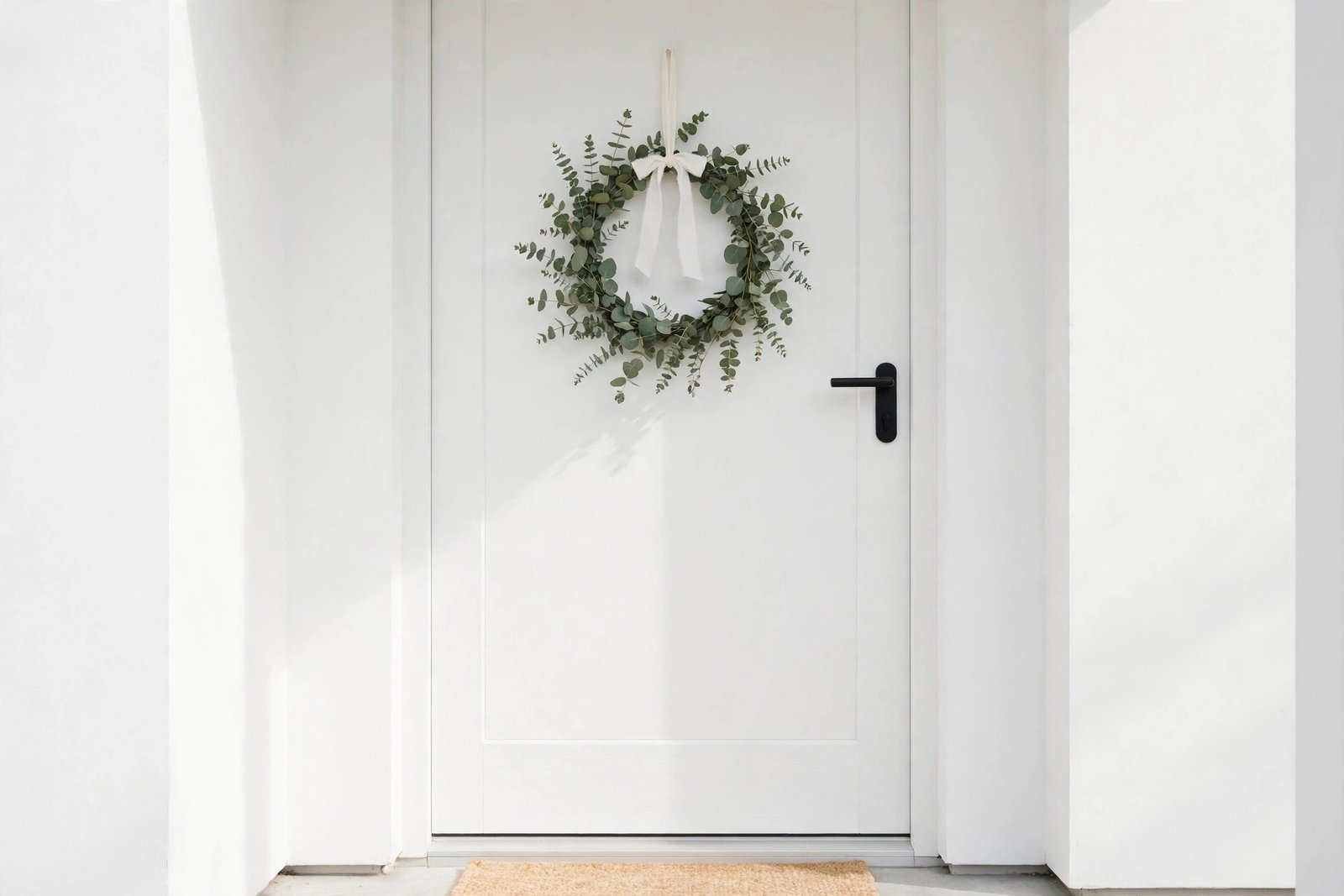
9. The Minimalist Eucalyptus
A simple eucalyptus wreath with a plain white ribbon on a bright modern white door, soft daylight, clean Scandinavian lines. No glitter, no fuss — just green and light and calm. Perfect if the rest of your desktop is tidy and you want your wallpaper to match.
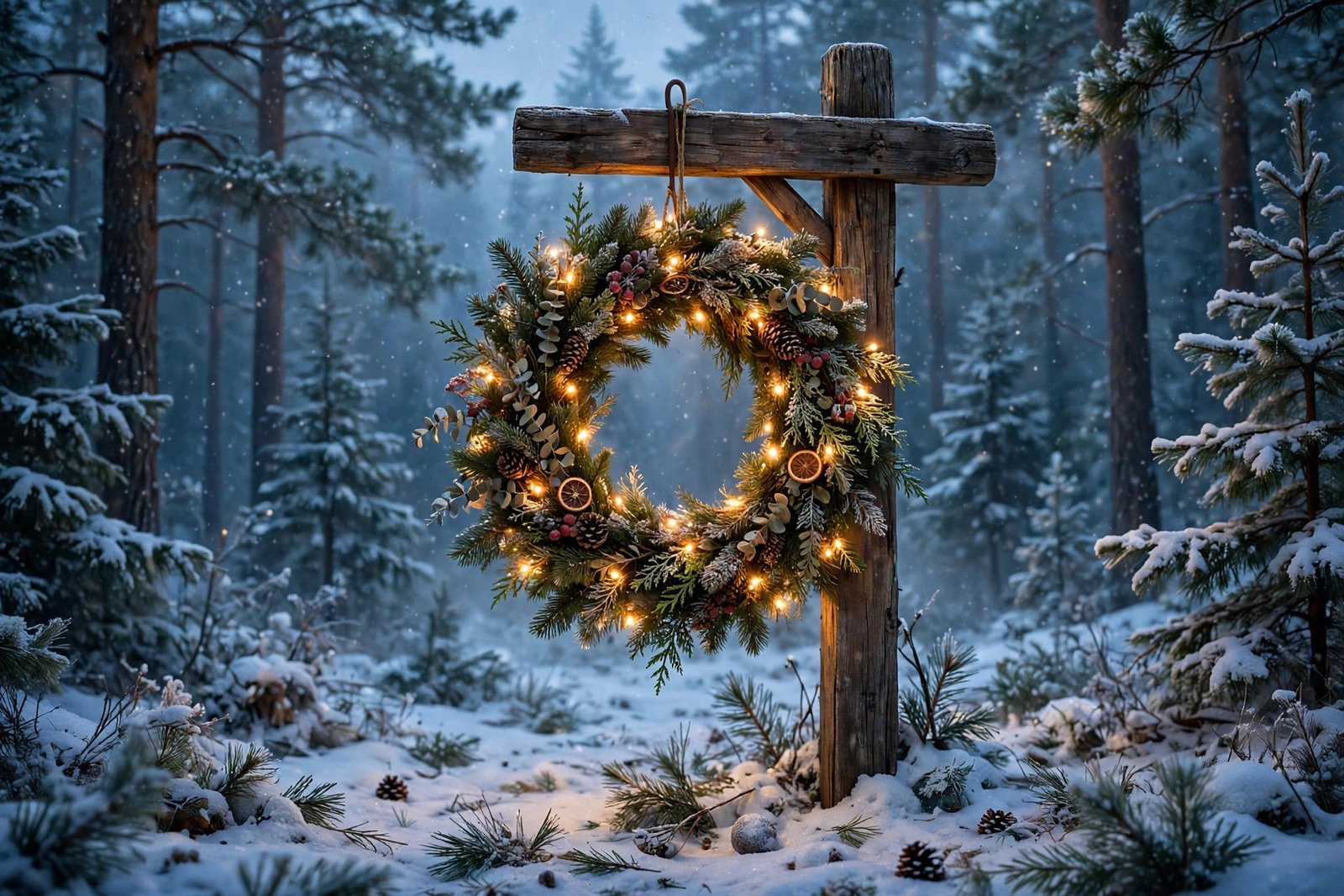
10. Lights in the Snowy Forest
A wreath twinkling with warm fairy lights on a wooden signpost deep in a snowy pine forest at dusk, soft blue and gold light all around. Magical without being over the top — a lovely note to end the pack on.
How to Download
It’s simple: click the Download button under any wallpaper above and the full-resolution JPG saves straight to your device. No account needed, no email required. Save as many as you like and rotate them through the season — that’s half the fun.
How to Set Your New Wallpaper
On Windows: Find the downloaded image, right-click it, and choose Set as desktop background. Or go to Settings → Personalization → Background → Browse photos.
On Mac: Open System Settings → Wallpaper, click Add Photo, and pick the file. macOS lets you choose Fill, Fit, or Stretch if the framing needs a tweak.
On Android: Open the image in your gallery app, tap the three-dot menu, and choose Set as wallpaper. Pick Home screen, Lock screen, or both.
On iPhone: Go to Settings → Wallpaper → Add New Wallpaper → Photos, then select the image. These are landscape desktop wallpapers, so expect some cropping — pinch to position the part you want.
Frequently Asked Questions
Are these Christmas wreath wallpapers really free?
Yes — every wallpaper in this pack is completely free to download and use as your personal desktop or phone background. No watermarks, no payment, no sign-up.
What resolution are the wallpapers?
Each image is a high-definition landscape wallpaper that looks sharp on Full HD and most larger monitors, as well as laptops. They’re supplied as wide landscape images, so they fill a desktop screen nicely.
Can I use these on my phone?
You can. They’re designed as landscape desktop backgrounds, so on a portrait phone screen they’ll be cropped — but the scenes are wide enough that cropping still looks good. Just position the crop on the part you like best.
Can I use them for commercial purposes?
These are shared for personal use only — decorating your own devices. Please don’t resell them, re-upload them as your own, or bundle them into paid products.
Will they fit an ultrawide monitor?
The images are wide landscape format. On ultrawide screens, use the Fill or Fit option in your wallpaper settings; Fill crops the edges slightly, Fit shows the whole image with small borders.
Wrapping Up
Ten wreaths, zero cost, one very festive screen. Whether you go for the classic red bow, the glow of gold and fairy lights, or the calm of the minimalist eucalyptus, there’s something in this pack for every kind of December mood. Download your favorites, set one tonight, and enjoy the season — Merry Christmas!