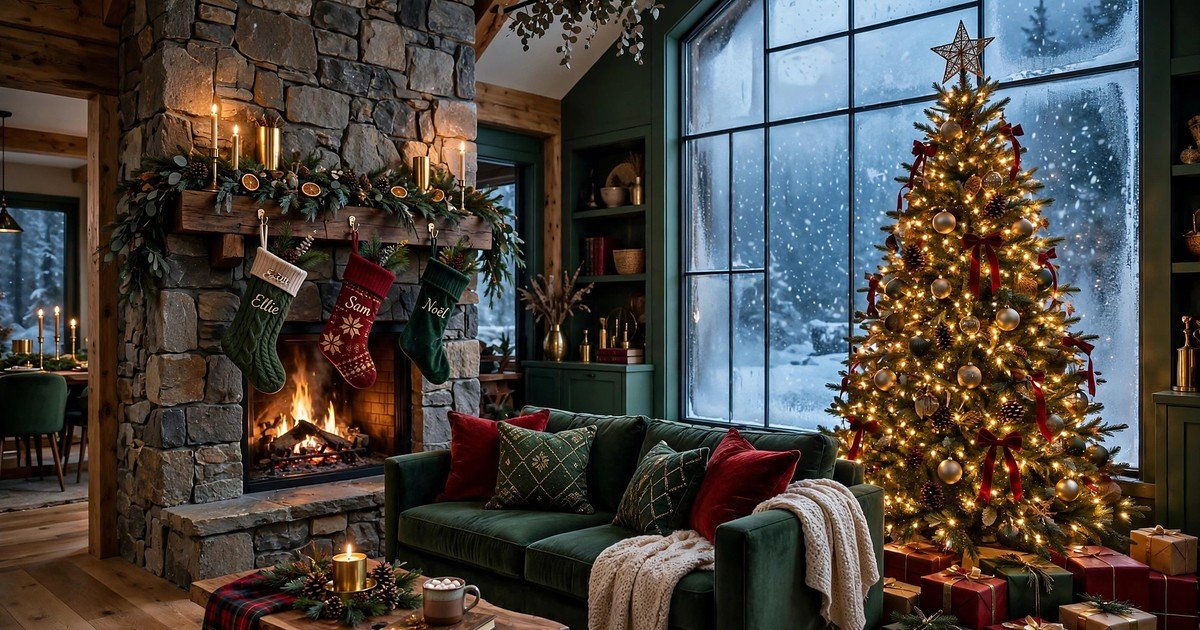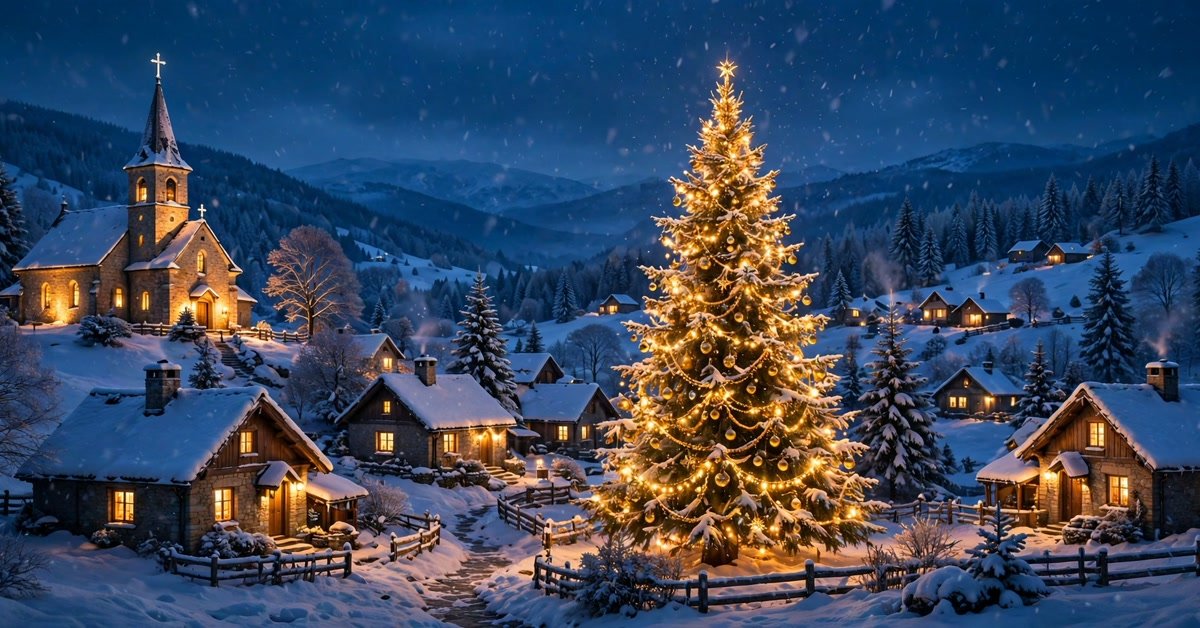
There is a particular kind of place most of us only ever visit in films: a little village where every window glows warm, snow settles on the rooftops, and the whole square smells faintly of pine and something baking. This pack is the next best thing to moving there — ten wallpapers full of Christmas villages, ready to make your screen feel like the holidays have properly arrived.
So here are 10 free magical Christmas village wallpapers, all in HD, all free to download. No watermarks, no sign-ups, no catch. Just pick the village you would most like to live in and set it.
1. The Village Square at Dusk
The one everyone wants first: timber cottages and a stone church around a snowy square, strings of lights overhead, snow falling softly through the blue evening. It is the classic Christmas village, and it looks wonderful on a desktop — the warm gold against the cold blue does half the decorating for you.

2. The Market Street
A market street at night, wooden stalls with striped awnings under strings of fairy lights, snow on every rooftop. It is the busiest, warmest scene in the pack — the village on its best evening of the year. A great pick if you like wallpapers with a lot going on.

3. The Mountain Village at Dawn
A tiny village waking up in the mountains: smoke curling from chimneys, a church steeple among snow-heavy pines, pink-gold sunrise light on the peaks. Calm, wide, and quietly beautiful — the wallpaper for anyone who prefers their Christmas peaceful rather than loud.

4. The Village by the Frozen Lake
Cottages outlined in warm Christmas lights beside a frozen lake, a decorated tree in the square, the whole scene doubled in the ice. It feels like a Christmas card come to life — old-fashioned in the best way.

5. The Sleigh Lane
A horse-drawn sleigh passing cottages dressed with wreaths and garlands, lanterns glowing along the snowy path. There is something about a lit lane in fresh snow that feels like the start of a story — it draws your eye right in.

6. The Hillside Village at Night
The whole village seen from above at night: dozens of cottages with lit windows scattered down snowy slopes, a church tower glowing, winding paths of light. Big, dreamy, and brilliant on a large monitor, where the lights have room to breathe.

7. The Bakery and Toy Shop
A bakery and toy shop front at dusk, frosted windows glowing amber, garlands and wreaths on every ledge, snow piled on the sills. It is the coziest corner of the pack — the one most likely to make you want a hot drink.

8. The Village Train Station
A small steam train with warm lit carriages beside a decorated village platform, cottages and pines behind it, snow falling at dusk. Playful and a little bit magical — the wallpaper for anyone who still loves a train set at Christmas.

9. The Morning After Snowfall
The village square on a crisp morning after fresh snow: a tall decorated tree in the center, an ice rink with distant skaters, chimneys smoking in the sunlight. Bright and cheerful — my personal favourite for a work laptop, because it softens even the dullest spreadsheet.

10. The Forest Clearing Village
To end somewhere quiet: a remote village of log cabins strung with warm lights in a snowy forest clearing, a frozen stream, tall pines, a deep blue twilight sky. The wallpaper to set on a late December night, when the year is winding down.

How to Download
Click the Download button under any wallpaper above and the full-resolution JPG saves straight to your device. No account needed, no email required. Save as many as you like and rotate them through the season — that’s half the fun.
How to Set Your New Wallpaper
On Windows: Find the downloaded image, right-click it, and choose Set as desktop background. Or go to Settings → Personalization → Background → Browse photos.
On Mac: Open System Settings → Wallpaper, click Add Photo, and pick the file. macOS lets you choose Fill, Fit, or Stretch if the framing needs a tweak.
On Android: Open the image in your gallery app, tap the three-dot menu, and choose Set as wallpaper. Pick Home screen, Lock screen, or both.
On iPhone: Go to Settings → Wallpaper → Add New Wallpaper → Photos, then select the image. These are landscape desktop wallpapers, so expect some cropping — pinch to position the part you want.
Frequently Asked Questions
Are these Christmas village wallpapers really free?
Yes — every wallpaper in this pack is completely free to download and use as your personal desktop or phone background. No watermarks, no payment, no sign-up.
What resolution are the wallpapers?
Each image is high-definition landscape quality (1920×1080), sharp on Full HD and most larger monitors, as well as laptops.
Can I use these on my phone?
You can. They’re designed as landscape desktop backgrounds, so on a portrait phone screen they’ll be cropped — but the scenes are wide enough that cropping still looks good. Just position the crop on the part you like best.
Can I use them for commercial purposes?
These are shared for personal use only — decorating your own devices. Please don’t resell them, re-upload them as your own, or bundle them into paid products.
Wrapping Up
Ten wallpapers, zero cost, one very Christmassy screen. Whether you go for the village square at dusk, the market street, or the quiet forest clearing, there’s a little village here for every kind of December mood. Download your favourites, set one tonight, and let your desktop feel like the holidays — the season is short, so enjoy it.